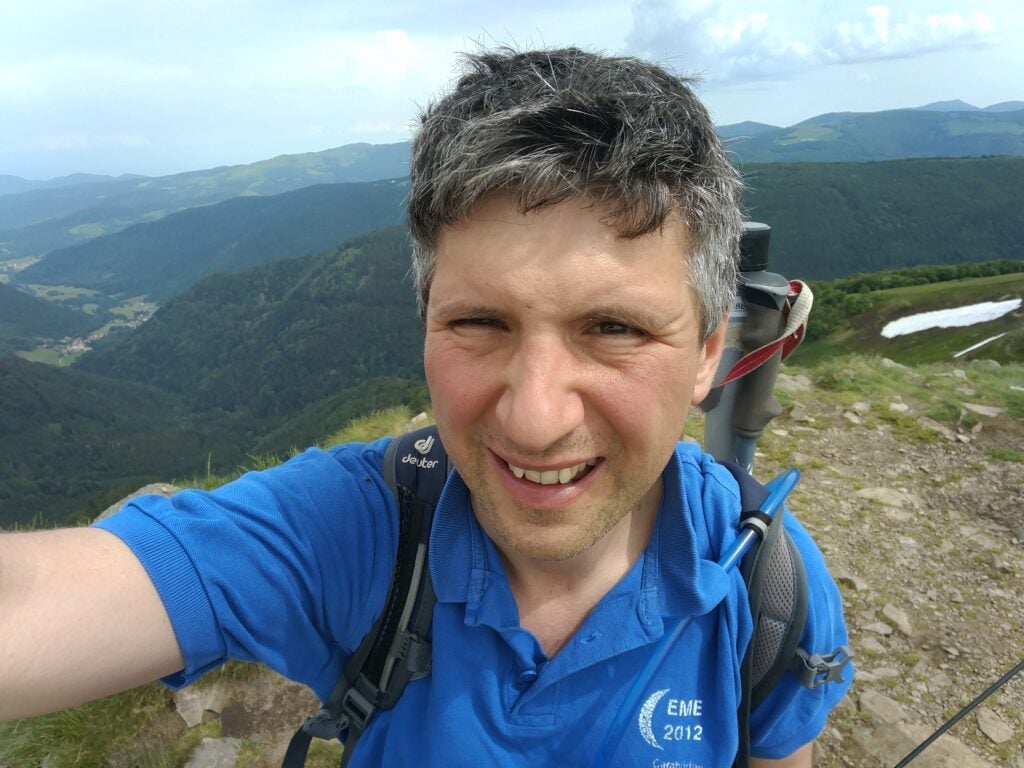
As a result of the very hot weather we had during June and July, I haven’t been doing much SOTAing for the last few weeks but now the weather is somewhat cooler, I took the opportunity of the Bank Holiday weekend to travel to the Peak District to get a few more points.
Kinder Scout G/SP-001
The highest point in the Peak District (or, Southern Pennines, as SOTA puts it), Kinder Scout is also famous as the site of the Kinder Scout Trespass of 1932, which led to modern land access legislation in England. The summit is a 4-point summit for SOTA.
I followed the trespass route from Bowden Bridge, just outside Hayfield, heading east to reach the Kinder plateau.
The Bowden Bridge pay and display carpark was full when I arrived, but there’s plenty of roadside parking along the verge towards Hayfield. Leaving the car, cross the bridge over the stream at SK 0487 8692, and continue on the tarmac to Tunstead House. At a house called ‘Kinderstones’, take the gravelled track straight ahead, leading to Tunstead Clough Farm, where the path veers right around the farm buildings. At the back of the farm, around SK 0546 8671, the path becomes a more rugged track, leading to some fields.
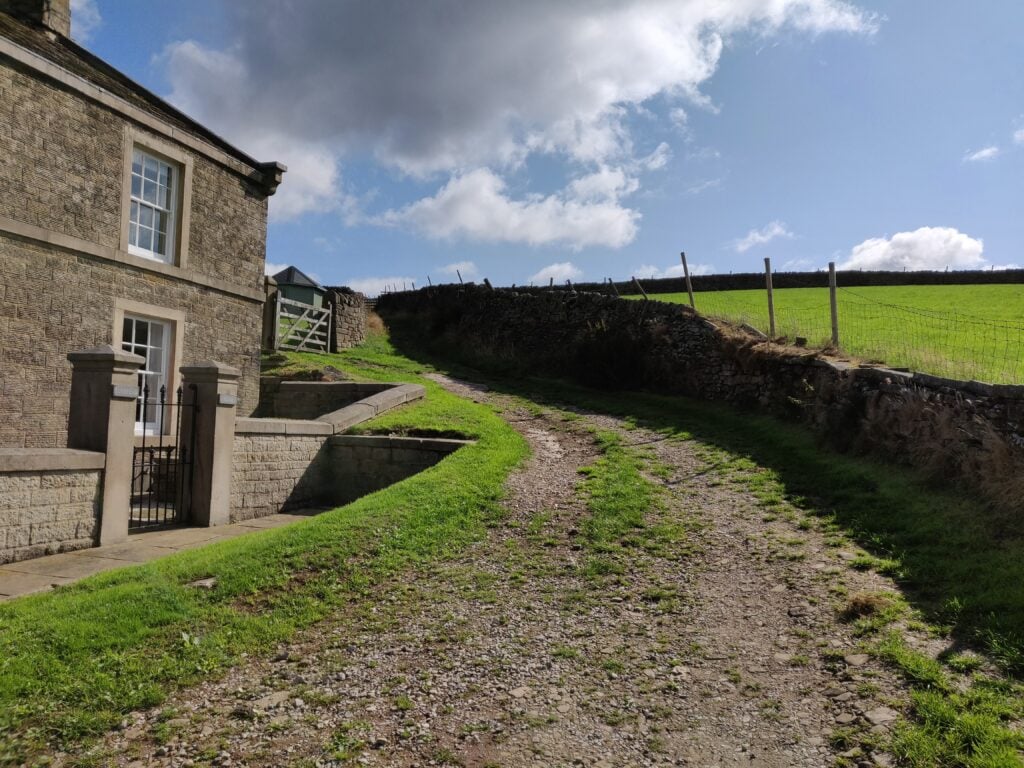
The back of Tunstead Clough Farm, where the road becomes a track
Keep walking straight ahead, crossing the fields at the obvious gateways in the fences to SK 0646 8663, where you come out onto open moorland at the foot of Kinderlow End, a rocky outcrop that marks the edge of the Kinder plateau.
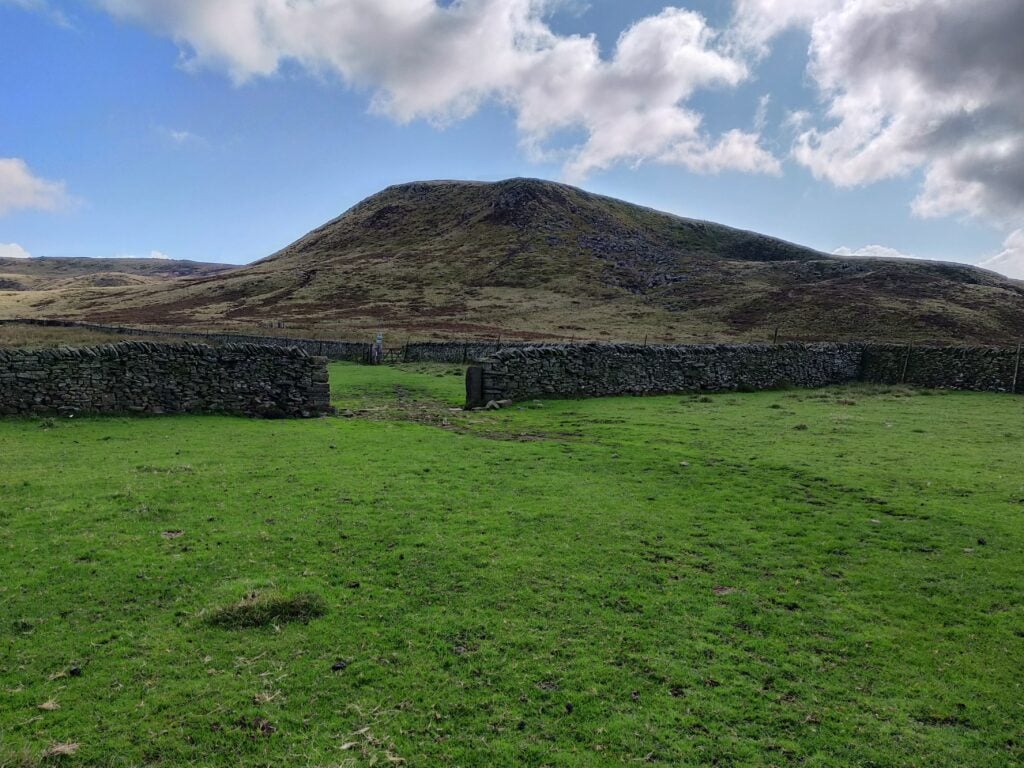
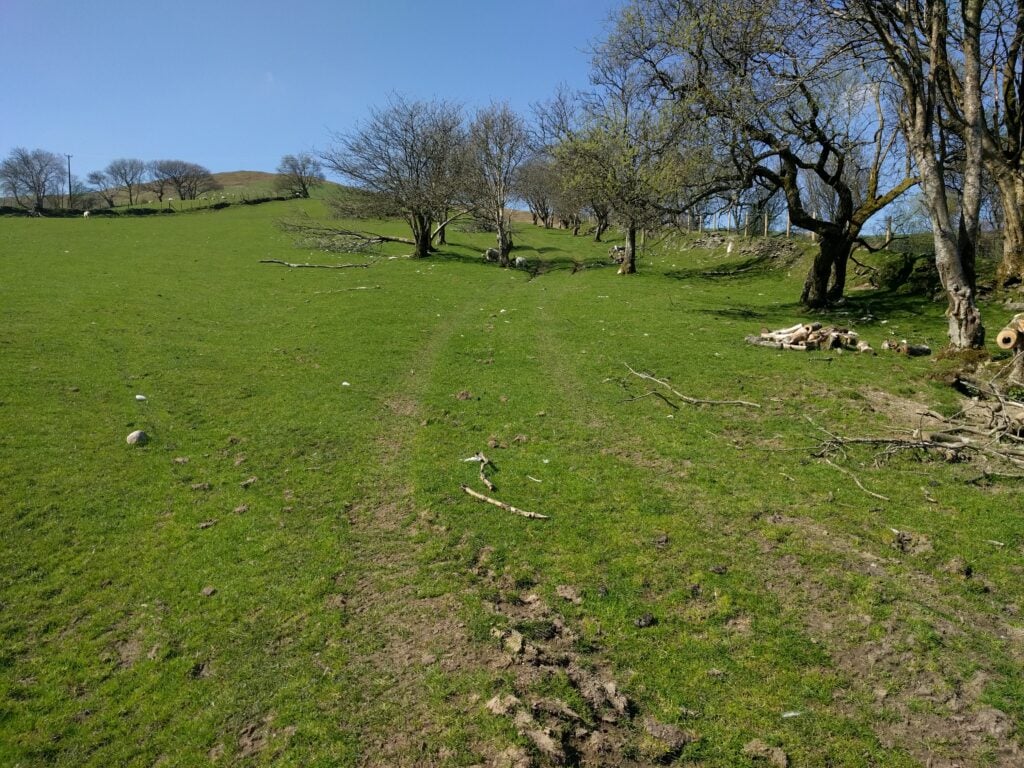
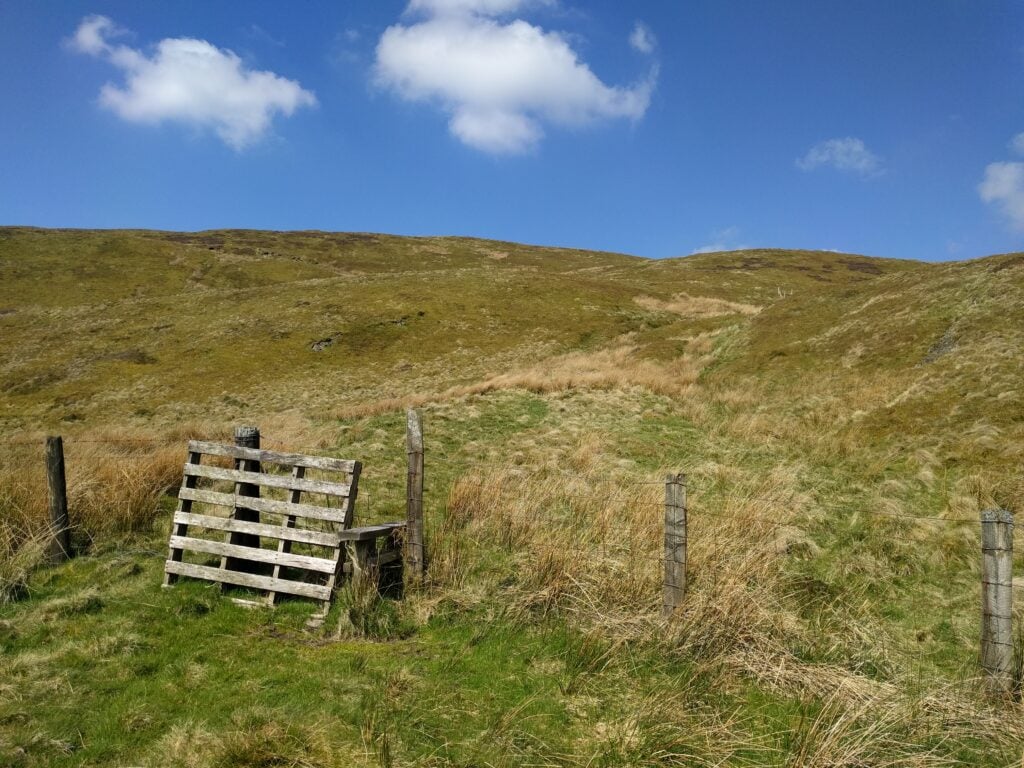
Keep walking through fields to the obvious gateways
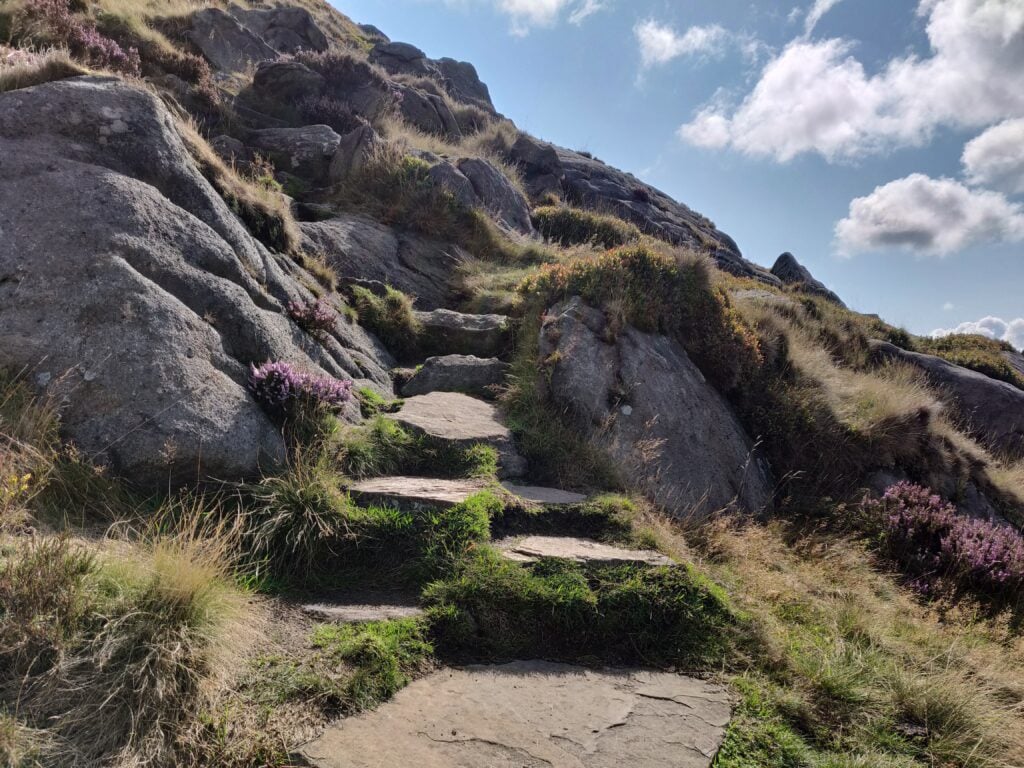
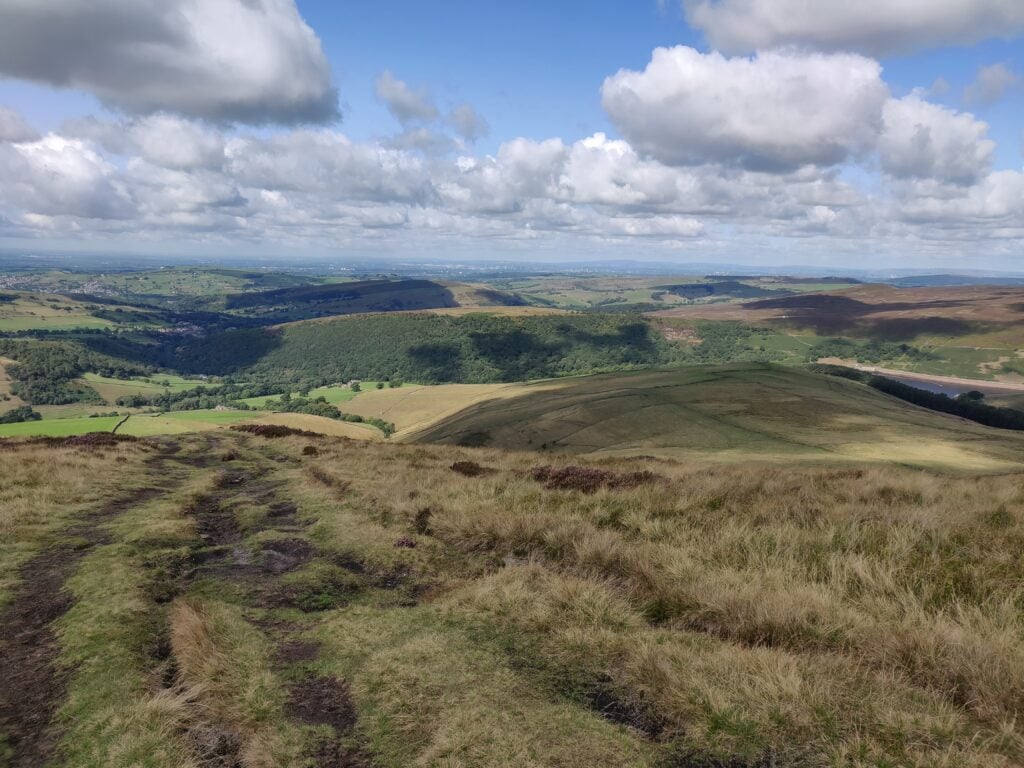
I missed it at first, but straight ahead of you, heading almost directly up the hill, is a set of steps that take you up the face of Kinderlow End. When you get to the top, looking behind you, there’s a spectacular view looking across the countryside towards Manchester in the distance.
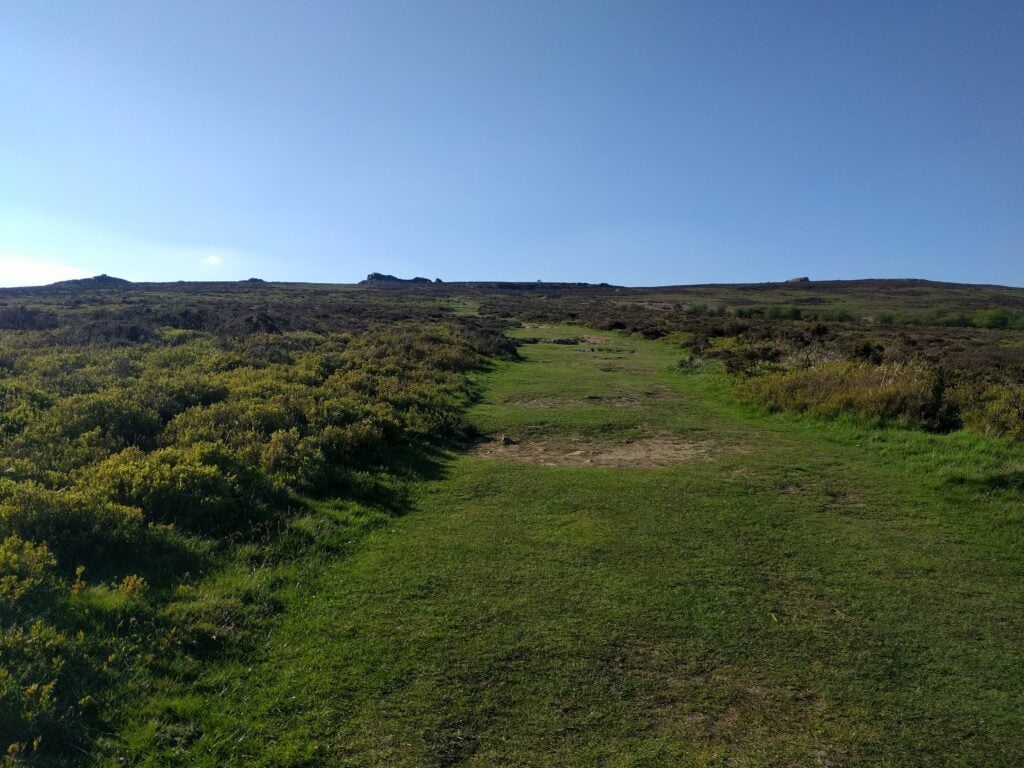
The stone path heading up Kinderlow EndThe view from Kinder Low, looking towards Manchester
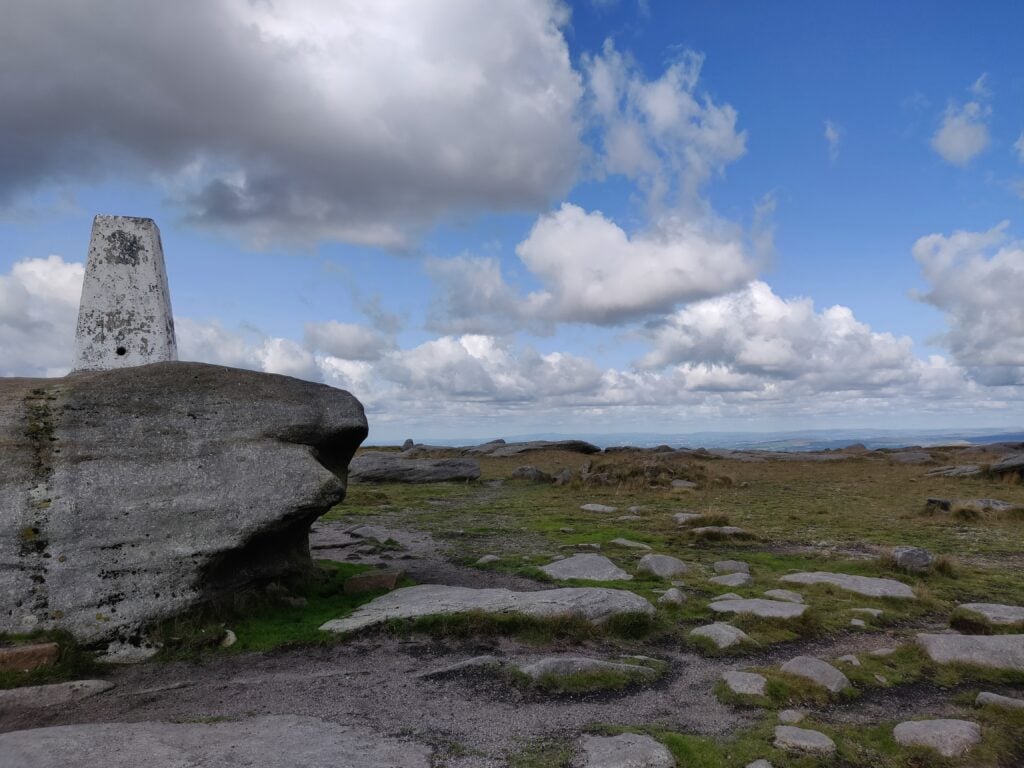
There’s a well-made stone path heading across the plateau (even though it isn’t obvious from the 2015 OS map), and you soon reach the cairns and trig point at Kinder Low, once believed to be the highest point (633m). It is now known that a point about 700m to the north-east is slightly higher at 636m, although there is no marker there. From a SOTA perspective, it doesn’t really matter as the majority of the plateau counts as the activation zone.
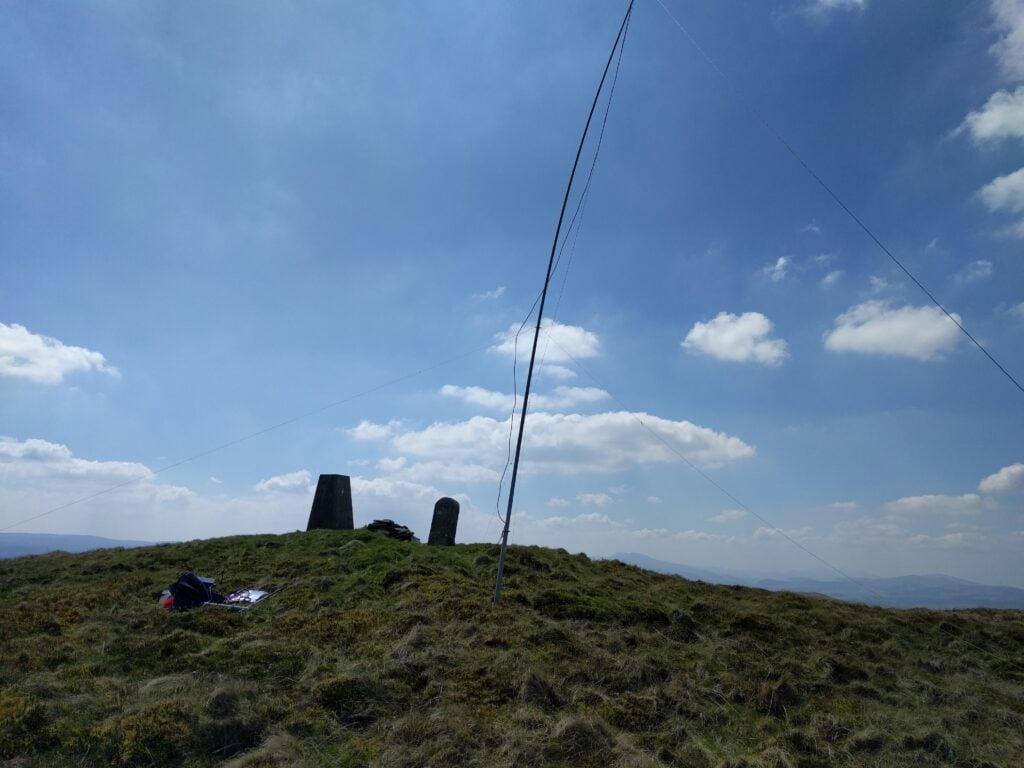
The trig point at Kinder Low
Note that Kinder Scout can get busy, so it’s worth heading out off the main paths to set up. Watch for the bogs and be careful of navigation up here. The flat top all looks similar and every time I have been up here, I have (to a greater or lesser extent) ended up heading in the wrong direction.
The ascent (410m vertically over 3.7km) took me about 90 minutes, and about 60m for the descent.
Shining Tor (G/SP-004)
About 40 minutes’ drive south-west of Kinder Scout is Shining Tor, an easy 2-point summit.
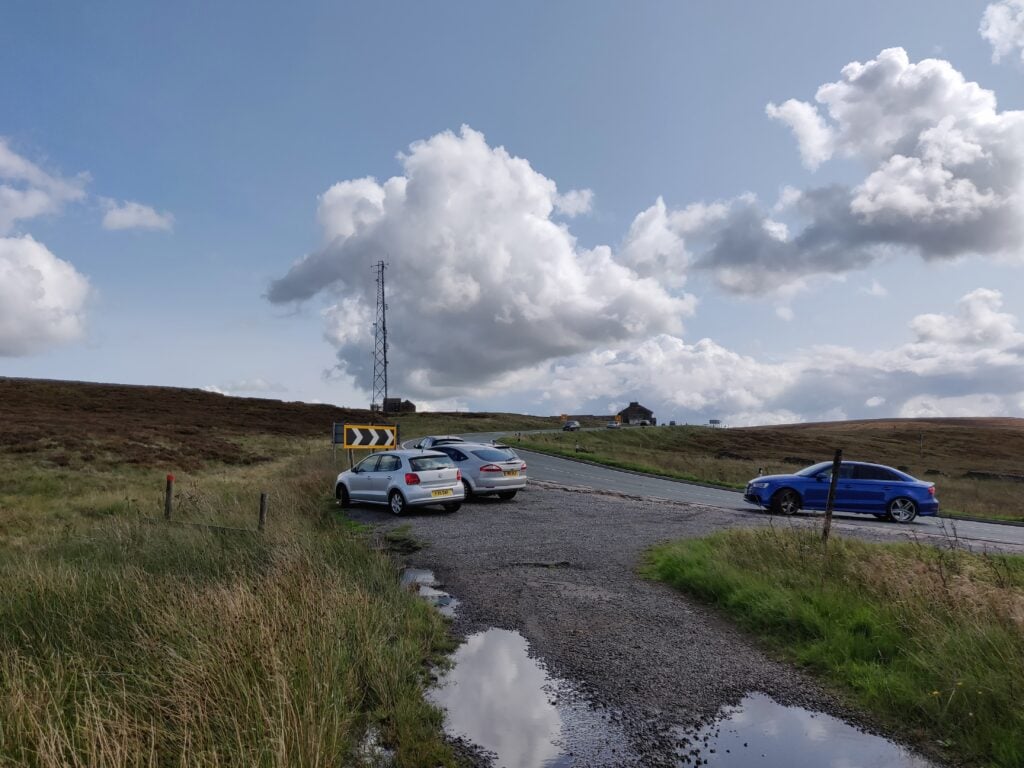
The route starts from SJ 9999 7213, just off the A537. There’s parking in various laybys around the Cat & Fiddle Pub, and in fact I was able to park at the start of the path itself.
The layby at the start of the path
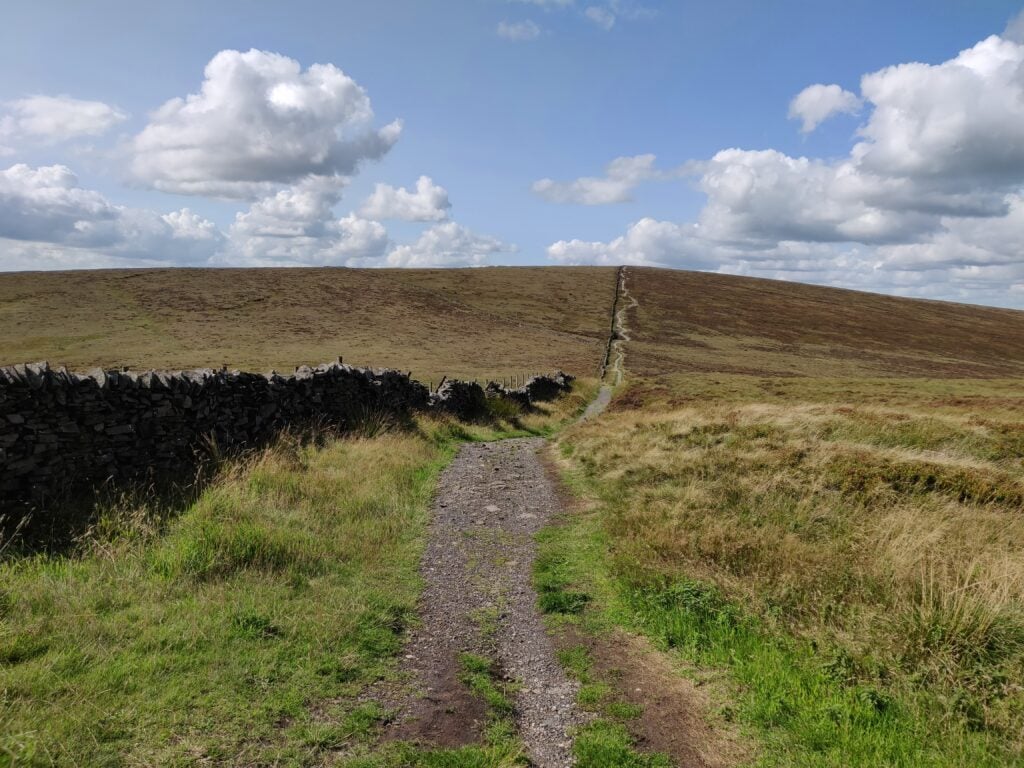
The path is well-made and obvious, with just two turns: a right at SJ 9984 7233 and a left at SK 0007 7315. If you get those two waypoints right, you’ll find yourself at the summit quite quickly.
The well-made path heading up to Shining Tor
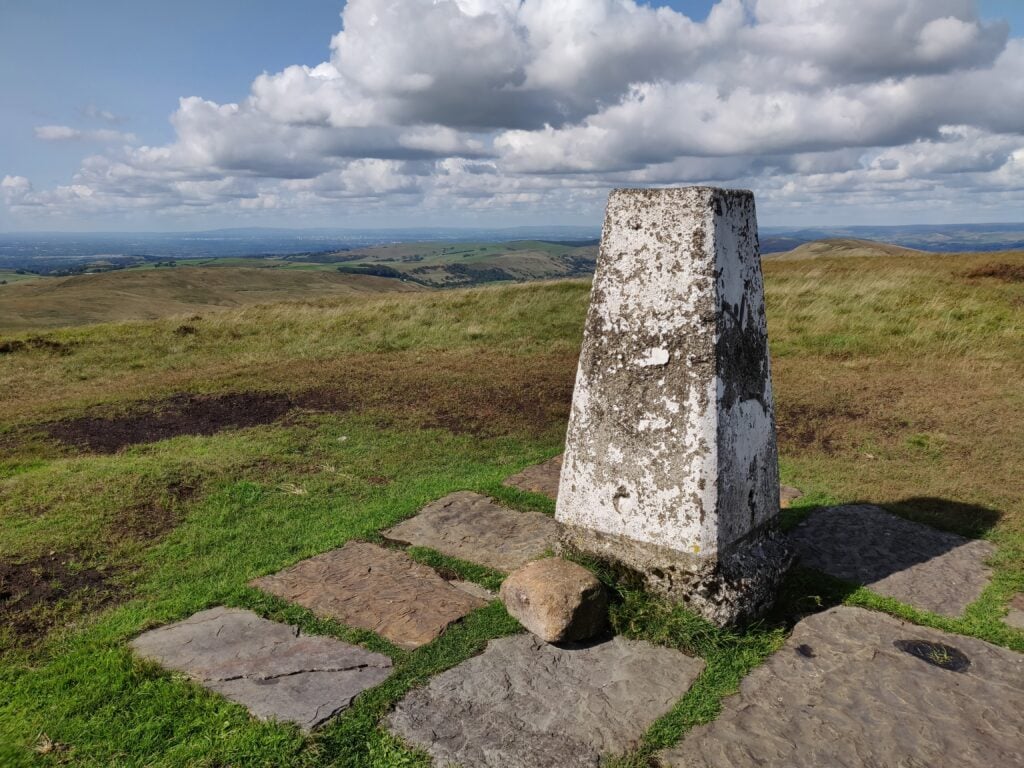
There’s a trig point at the summit and a nice stone wall next to the trig point, which affords some protection from the wind for operating from.
Trig point at Shining Tor
The ascent took me about 35 minutes. It’s only a 75m climb over about 2km, so a nice quick and easy location to activate.
As with Kinder Scout, I made all my contacts on 30m CW and I had more than sufficient QSOs for the activation within about 15 minutes.
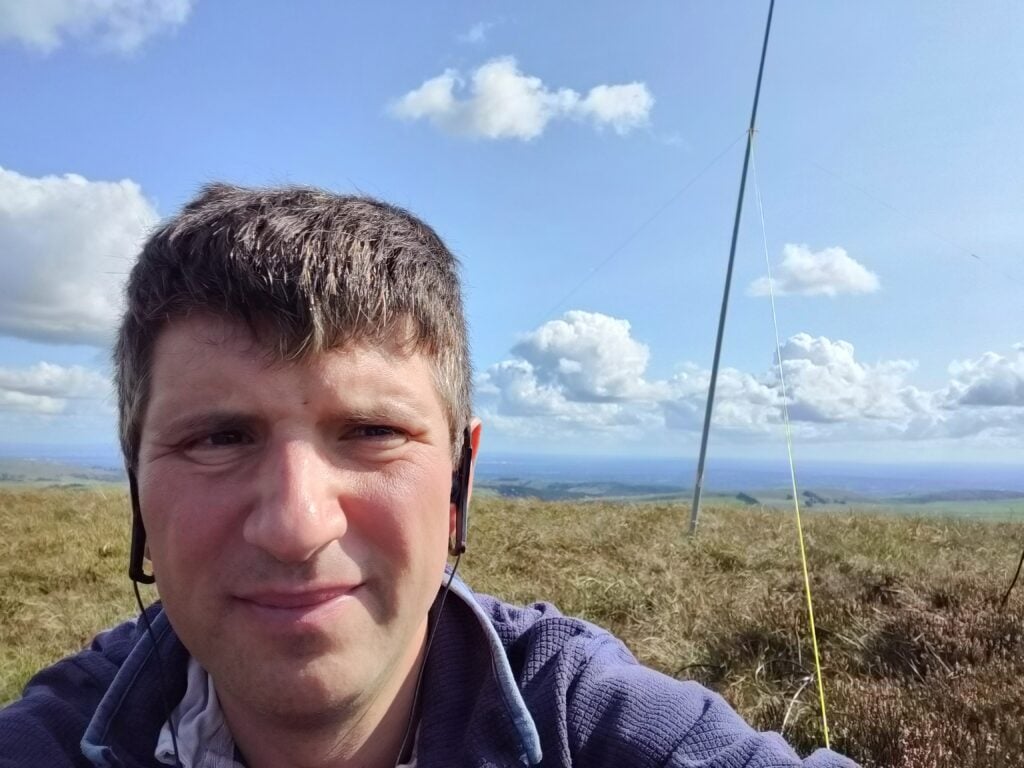
Operating with my new 30m/20m linked dipole on the fibreglass pole
I’ve been pondering for a while about whether or not I should add my own opinions to the polemic about FT8, the now year-old digital mode that has taken the ham radio world by storm. A few things recently have convinced me that I should, which I’ll go into a little later in this short essay.
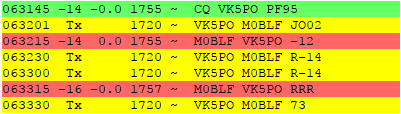
Me working VK5PO on FT8
First off, a step back: What is FT8? It’s the latest in a line of digital modes developed by Joe Taylor K1JT, that permit two-way radio contacts to be made with incredibly weak signals, often below the noise floor. Until last year, most of the modes in this family were used for specialised purposes such as EME (bouncing radio signals off the moon) or meteor scatter. This meant that they were adopted by a small subset of radio amateurs for their specific purpose.
(EDIT:Thanks to DG1TAL, who has corrected me: ‘JT65 has been used on HF for quite a few years, even though the dynamic range of RSSI reports was not suitable.’ That’s true, but because of the limitations, JT65 still used by relatively few people.)
About a year ago, FT8 came onto the scene. Its main difference over the other modes in the lineage is the speed of an ‘over’: reduced from for example 50 seconds in JT65 to just 15 seconds. This made it much more suitable for generalised use, and very quickly FT8 was adopted for general contacts. A post by Clublog author Michael G7VJR in January this year shows how exponential the popularity of this mode was in the second-half of 2017; a trend which seems to have continued.
I was certainly part of this band-wagon of FT8 fans. I logged my first FT8 contact on 16th July 2017, and to date I’ve made 118 QSOs using the mode from home.
Some people have tried to argue that FT8 isn’t amateur radio. I disagree. For a hobby founded on experimentation, technical challenge and self-training in all forms of communication, FT8 is the very essence of what amateur radio advances should look like. It’s very clever technology with some seriously complex maths behind it, that represents (technically) a significant step forward from what we had before.
I also believe that FT8 has its place in our shacks. One of the biggest threats we have to the hobby is that, particularly in sub-urban environments, noise floors can be very high from consumer electronics. Furthermore, in a globalised world, national regulators appear generally impotent to enforce the regulations that are supposed to avoid pollution of the radio spectrum from poorly-designed equipment. This was one of the reasons for my speedy adoption of FT8. Frankly, from my location on the outskirts of Cambridge, I wouldn’t be able to work as far without the support of the weak-signal error correction that’s inherent in the mode.
This is all the more important during solar minimum, which I suspect plays a large part in the quick spread of FT8. For the next few years, the stage of the sunspot cycle means that radio wave propagation will be hard, especially on higher HF bands. Having a mode available which allows low signal-to-noise ratio contacts is certainly a help to communication on those bands, which would otherwise be ‘dead’.
The other fantastic thing about FT8 is that it brings, for the first time, objective signal reports to the hobby. We all know that ’59’ is a nonsense, but in the more ‘manual’ modes, we don’t have anything better. Using actual, genuine, signal-to-noise measurements for signal reports allows more meaningful comparisons of equipment, antenna performance and propagation research.
However, in recent months a few things have happened, which started to quell my enthusiasm for the mode.
First was one day when I was working from home, doing my day-job. Since the computer was on anyway, I left FT8 running, periodically clicking the ‘Log QSO’ button when I saw it on the screen. Operating like this, I managed to make about 25 QSOs during the day without even realising it. None of those contacts were memorable. The computer made them for me, while I worked on other things. Moreover, the formulaic nature of the FT8 exchange (the facts that you have only 13 characters per over, and that changing the text of an over from the defaults can confuse the other operator) means that I felt no connection with those people at all.
You might argue that the same is true in a ‘rubber-stamp’ SSB or CW contact. To some extent, yes, but you still have some variability in what the operator has sent, any accents in speech, or quirks of Morse rhythm or spacing. In comparison, FT8 is clinical.
Then, on the GS3PYE/P DXpedition to Islay last month, I became aware of another disadvantage of FT8. 15 second overs may be comparatively fast, but they aren’t as fast as a good SSB or CW pileup, and our QSO count for the week suffered as a result. We were well down on even last year, because of the amount of time we’d spent using FT8 on bands that were open.
Similarly, the focus in the community on monitoring the main FT8 spot frequency on each band, means that other contacts seem to be being missed. I know lots of people are pouring over the stats to see whether FT8 activity is ‘new’ activity, or to the detriment of other modes. I can only speak from my own anecdotal experience: A couple of weeks ago, I was on a SOTA trip to France, and was eager to make some 6m CW QSOs. There was sufficient sporadic E propagation, and the Reverse Beacon Network heard and spotted my CQs, but in 20 minutes nobody came back to me. Tuning higher on the band, there was just one frequency with signals on it: the 6m FT8 frequency.
Which brings me to another concern: that of spectrum usage. (I’m discounting here the as-yet little-used DXpedition mode in FT8.) On a lot of bands, there is pressure for spectrum used by amateur radio to be reassigned to other, more ‘valuable’ uses. Until now, we’ve been able to demonstrate, particularly during major contests, how busy our spectrum can become, which has helped in the argument to keep the range of frequencies we current have. If we all start making our contacts in the 3kHz bandwidth above a single spot frequency, we may be doing the hobby some significant harm.
What’s the solution? As I said above, I fully support the rationale behind FT8, and particularly its use in high noise areas, and on bands where propagation is difficult. Especially if it can capture and encourage the imagination of a newcomer, or someone who has been inactive in the hobby for a while, we must celebrate and support its use.
What I’d really like is, when you start receiving signal reports with positive numbers of dB, the software should remind you to switch off and try other modes instead, as the band is sufficiently open. I doubt we’ll see that, however, so it’s up to us as operators to consider the wider effects of the mode, and when/whether it is appropriate to use.
I’m already limiting my use of FT8 at home: this Sporadic E season on 6m, I have deliberately only been using CW, not FT8, and for a forthcoming (as yet un-announced) DXpedition, we are seriously considering not taking any FT8 equipment.
With 80 SOTA points in the bag from Saturday and Sunday, by Bank Holiday Monday it was looking likely that 100 points in a weekend might be achievable.
We stayed the night t the Hotel L’Ermitage in Ventron, since this is right at the start of the path up the Haut de Rouge Gazon, the first hill for today.
FL/VO-018 Haut de Rouge Gazon
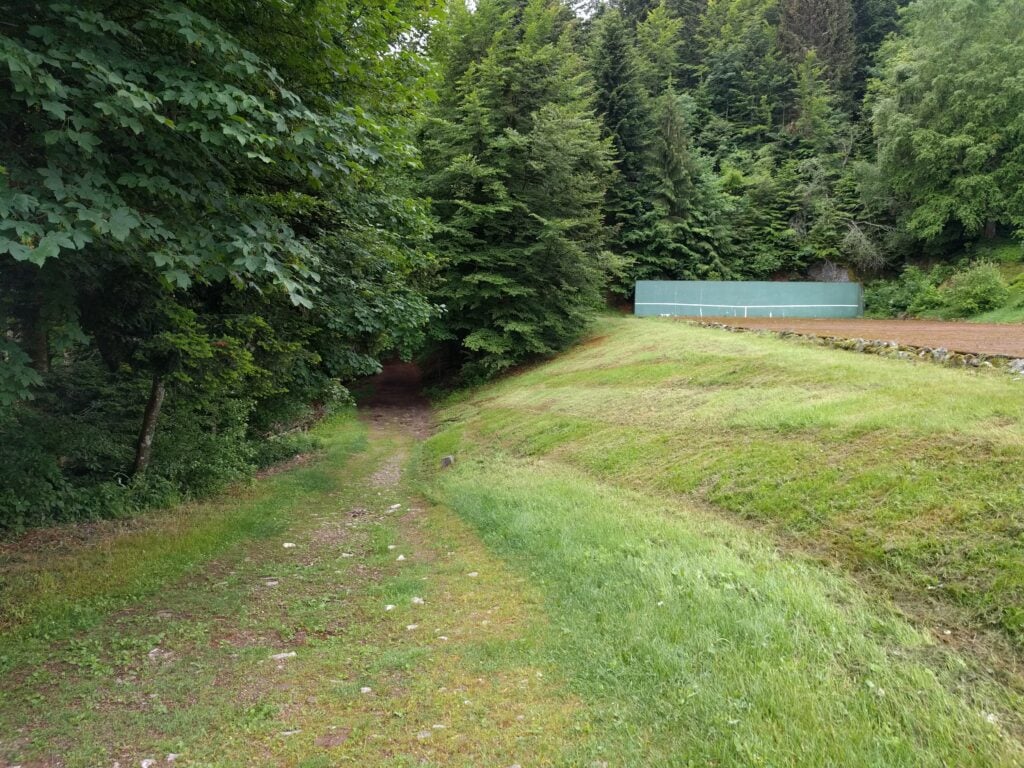
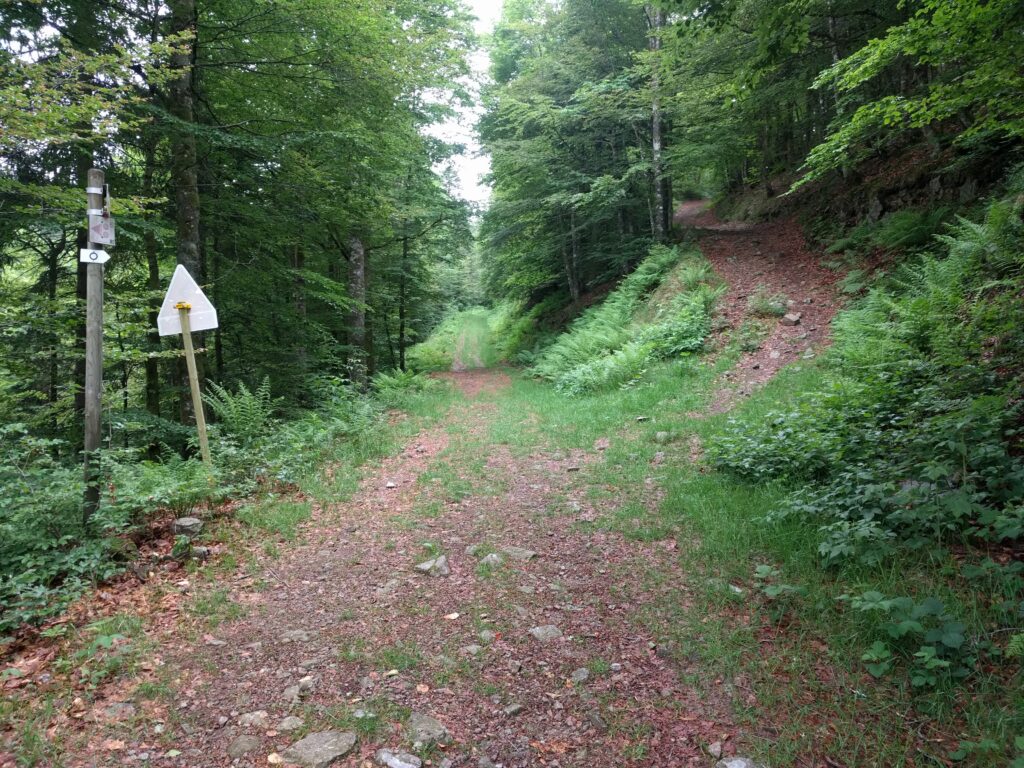
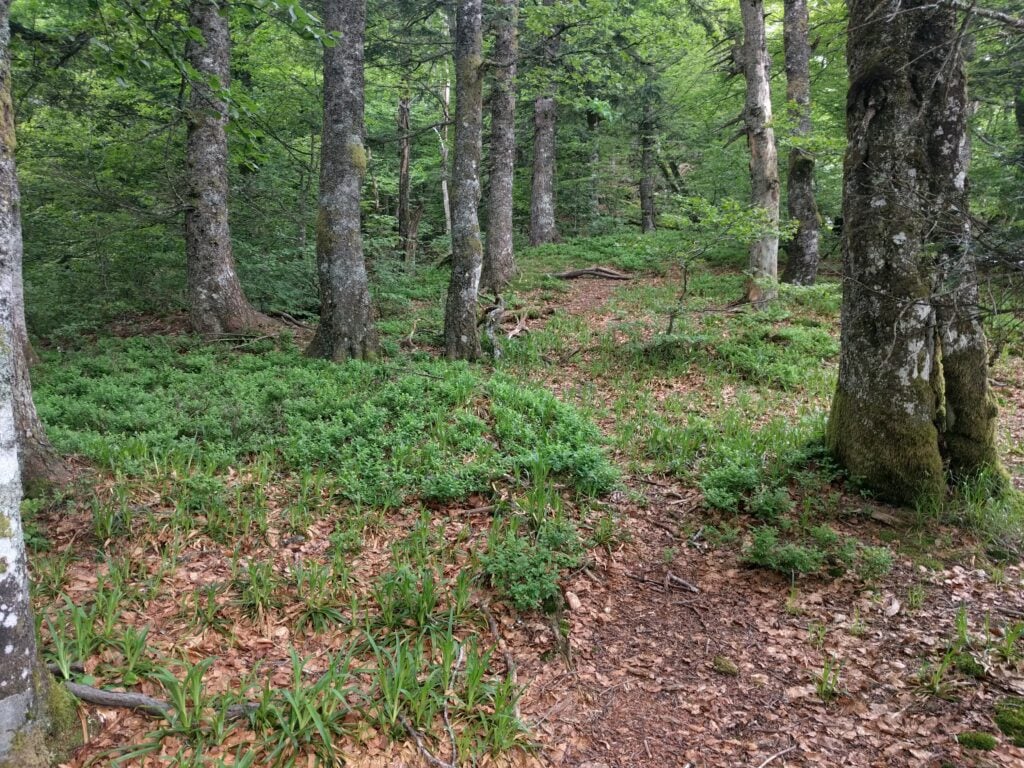
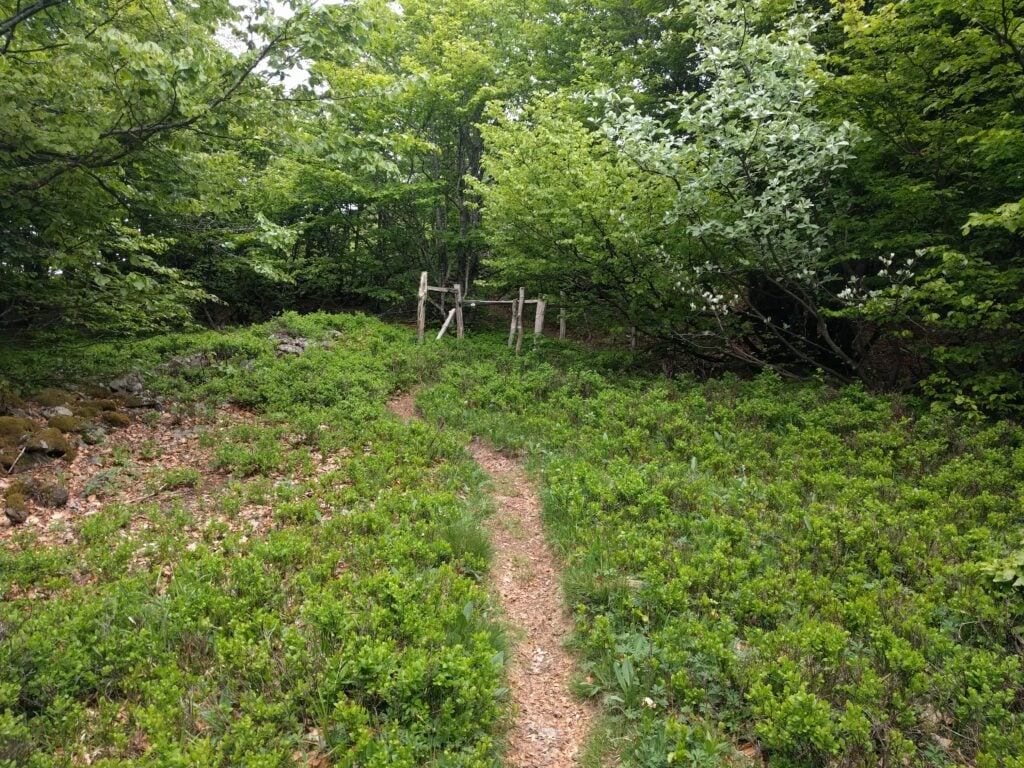
There are multiple paths up the Haut de Rouge Gazon, but at the hotel, all of the paths start from next to the tennis court. From there, you can follow either the red outlined circle signs (the ‘Route panoramique’), or the blue outlined circles. The red circles form the cross-country skiing route in the winter, and therefore the path is wider and less steep, though consequently less direct. The blue circles are suitable for walking and cut off some of the hair-pin bends, thereby making them slightly steeper but more direct. It took me a little while to work this out, so on the ascent I did a mixture of the two routes (taking 50mins) and on the descent I stuck to the blue circles (taking 40 minutes).
The start of the path up the Haut de Rouge Gazon, next to the tennis courtThe choice of paths up Rouge Gazon
Edit May 2019: Having just done the same walk the following year, there’s an omission at this point: Following the outlined blue circles up the hill, you’ll come out at a wooden three-dimensional wooden cross artwork. From here, turn right, following the outlined red circles along the wide path that’s flat along the top of the hill.
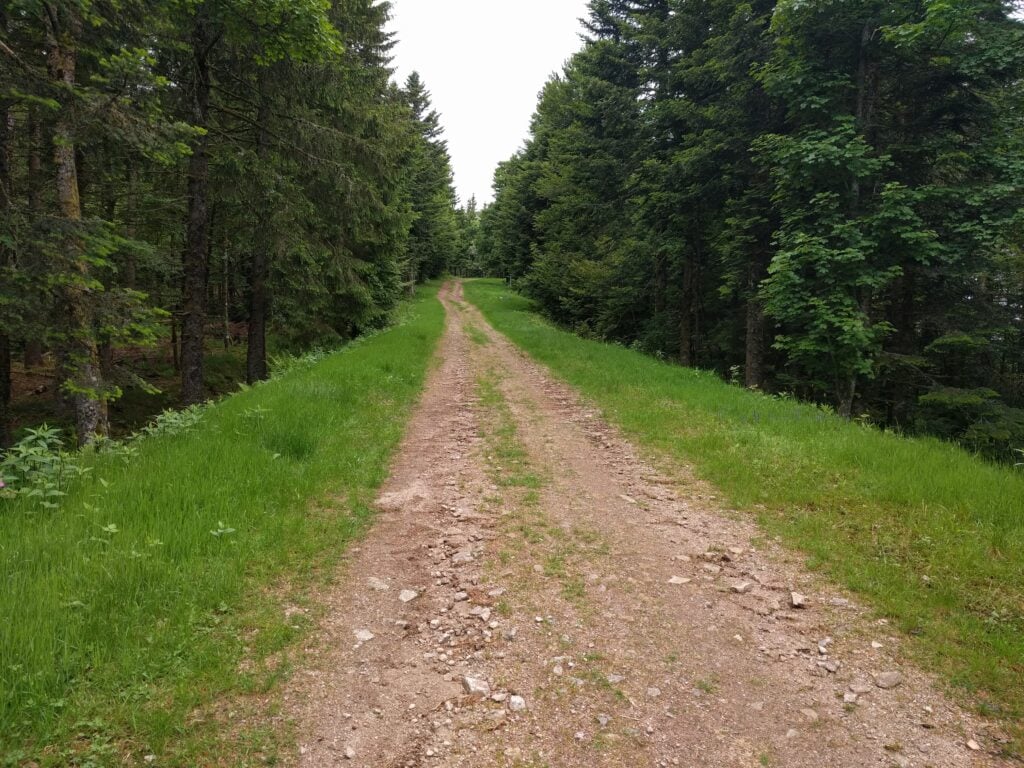
Either way, you eventually come out beside the top of the ski-lifts, where the paths turn away from the summit. At this point, quickly cut through the trees to join the wide ski-run towards the highest point. It’s a very pleasant walk, with a climb of about 120m ascent over 4.2km, making it the longest walk of the trip.
Walking along the ski run on Haut de Rouge Gazon
Once at the summit, and at this time of year with the skiing closed, there’s masses of space to set up and I quickly made 8 QSOs to qualify the summit on 30m CW.
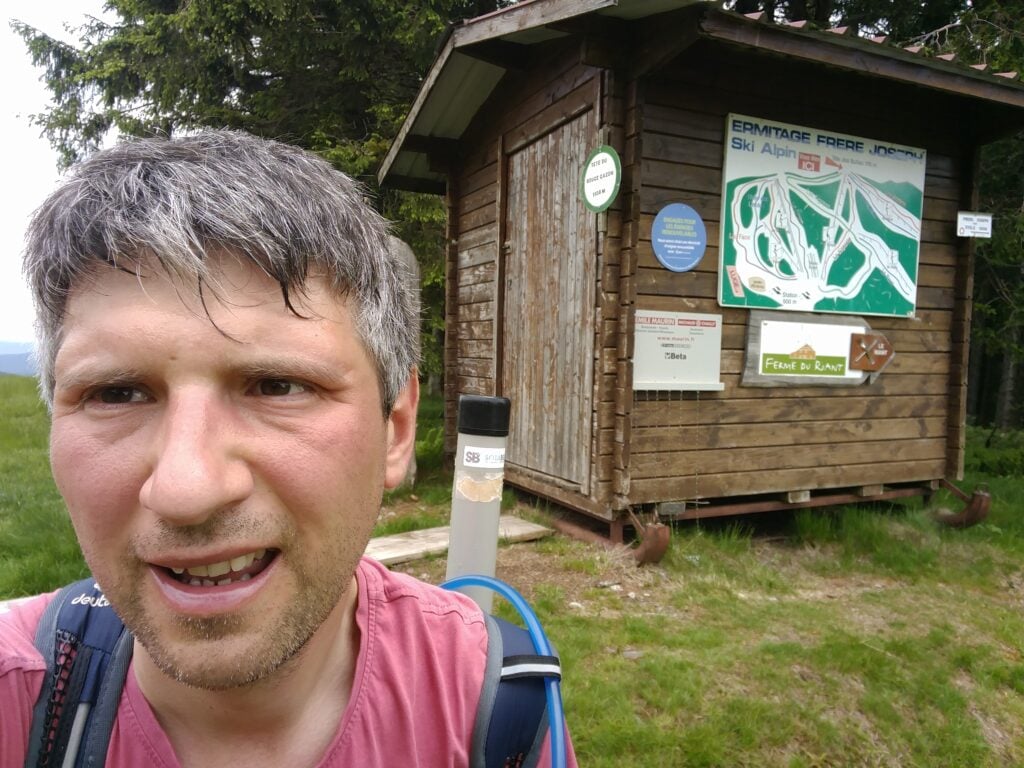
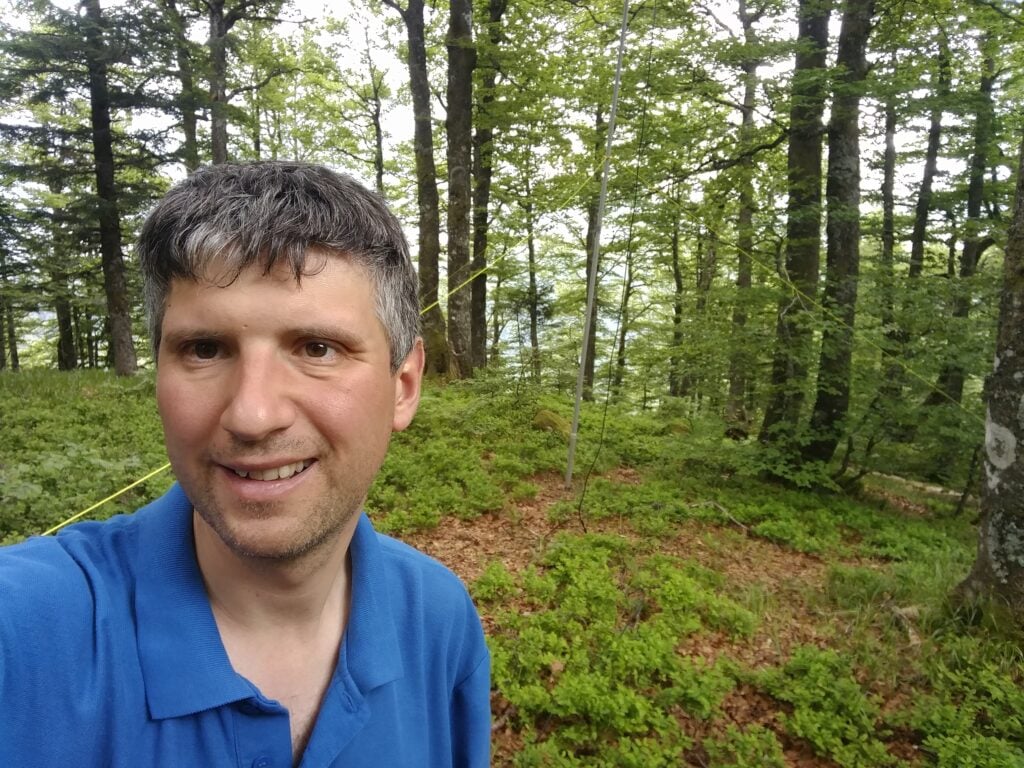
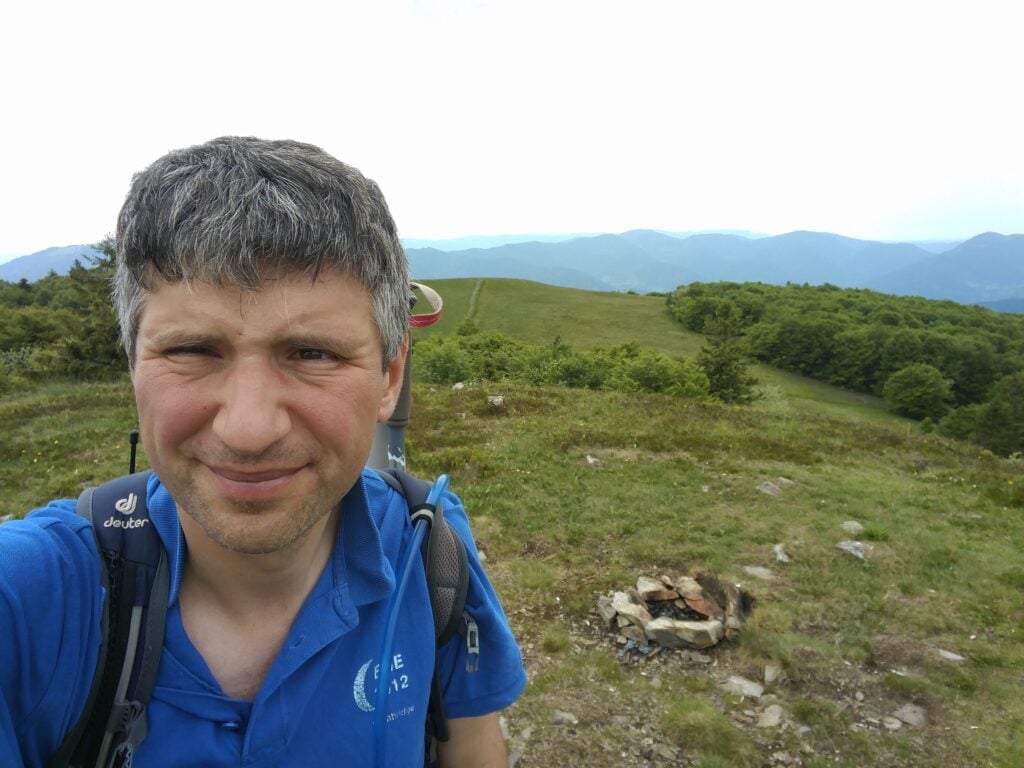
Me on the summit of Haut de Rouge Gazon
Loading map…Scroll or tap to load the interactive map
Distance
—
Elevation gain
—
Elevation loss
—
Max elevation
—
Waypoints
—
Elevation profile
FL/VO-087 Haut de Brampas
And so, with 90 points for the weekend to-date, it was time to hit number 100. The path to the Haut de Brampas starts from the Col du Page, about 10 minutes’ drive from L’Ermitage Saint Joseph. As with yesterday’s hills, this is a forest walk and, again, I struggled to maintain a GPS lock, meaning that the trace below is somewhat inaccurate.
The path is wide, and obvious but, as with yesterday’s ones, it does avoid the summit, so at some point you have to cut through the trees and find your own way to the highest point. This is easy enough on the way up, but on the way down, navigating solely on paper map and compass, I took a slightly wrong turn and ended up heading in the right direction but without loosing height, meaning that I didn’t find the path for some time. Consequently, although it only took 15 minutes to get up the hill, I took 20 minutes coming back down. In terms of steepness, it’s about a 140m ascent over 1.6km.
The path up the Haut de Brampas
There’s very little else to say about this hill. It’s another, fairly boring, bit of forest, but with the addition of a load of flies, making operating uncomfortable. Sending CW cleanly while swatting flies with your other hand takes some practice!
I managed just 6 QSOs from here before packing up, having reached my goal of 100 points in the weekend.
Loading map…Scroll or tap to load the interactive map
Distance
—
Elevation gain
—
Elevation loss
—
Max elevation
—
Waypoints
—
Elevation profile
FL/VO-095 Kuppelthannkopf
Those 100 points, however, took me to an all-time SOTA score of 495, short of half-goat status by only 5 points. Luckily, there’s an easy-to-reach 8 point hill just outside Thann on the way back towards Basel airport. It’s about 40 minutes’ drive from the Col du Page, and starts from the carpark on the Col du Hundsruck.
Again, there’s not too much to say about this route. You start on the main marked footpath heading behind the hill from the Col (initially losing height) and then, around 47.8047N, 7.04984E, you take the forest logging tracks that zig-zag up the mountain to the summit. It took me 30 minutes to climb the 120m ascent over 1.6km, and about 20 minutes to come back down. The ground is rather loose in places, so I found my hiking pole useful, but it’s not a difficult climb.
Me on the summit of Kuppelthannkopf
13 QSOs, including 3 S2S QSOs, took me past the magic 500 points mark but, as with the Haut de Brampas, the flies swarming around me slightly marred the celebrations!
Loading map…Scroll or tap to load the interactive map
After a restful night, it was time to get up early for the second day of my attempt to get 100 SOTA points in a Bank Holiday weekend in the Vosges. Today would involve a bit more walking than yesterday.
FL/VO-002 Le Hohneck
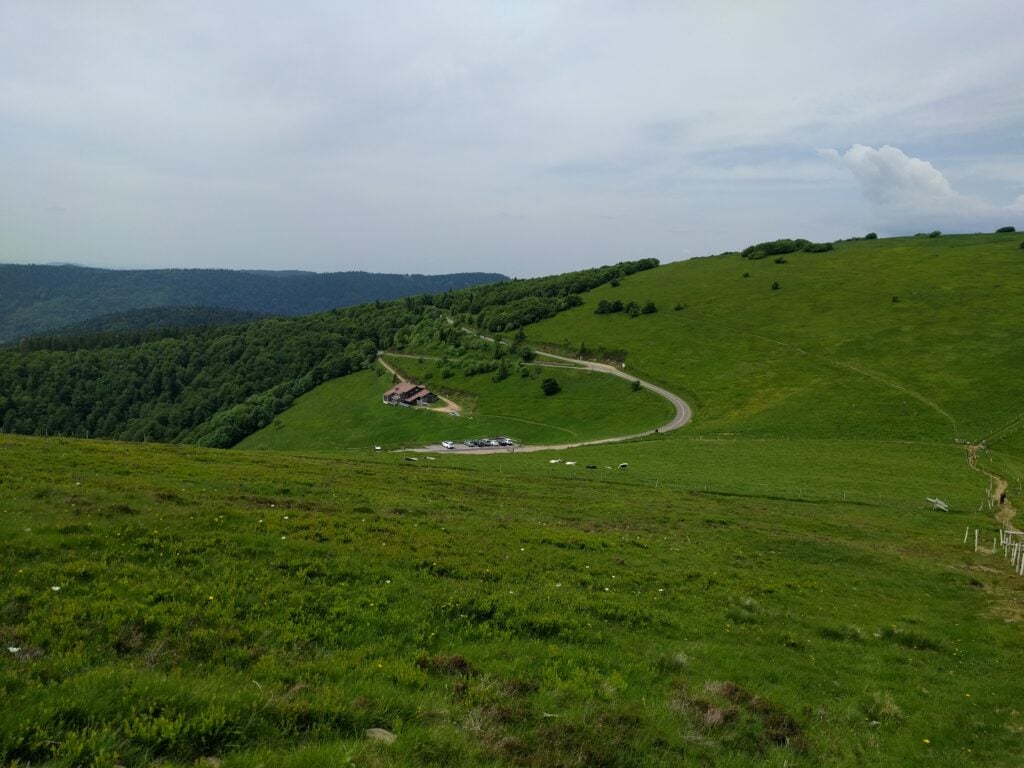
Le Hohneck, about 15 minutes’ drive from La Bresse, is potentially a very easy summit as it has a carpark and restaurant at the top. I fall into the set of SOTA activators who view that as cheating, however; much like taking the train up Snowdon. Instead, therefore, I took the only slightly more energetic option of a 15 minute walk up 100 metres over a 1km, on the path that runs beside the road.
The path up Hohneck
This is a really easy path and it’s well-trodden. The only thing to be aware of is that the electric fence wire surrounding one of the fields has been routed over the top of a turnstile gate (above head height) near the start of the path, which could be a surprise if you had a metal antenna on your backpack!
Halfway up, I spotted a van which seemed to be doing communications for a local race of some description, but I didn’t stop to find out the background.
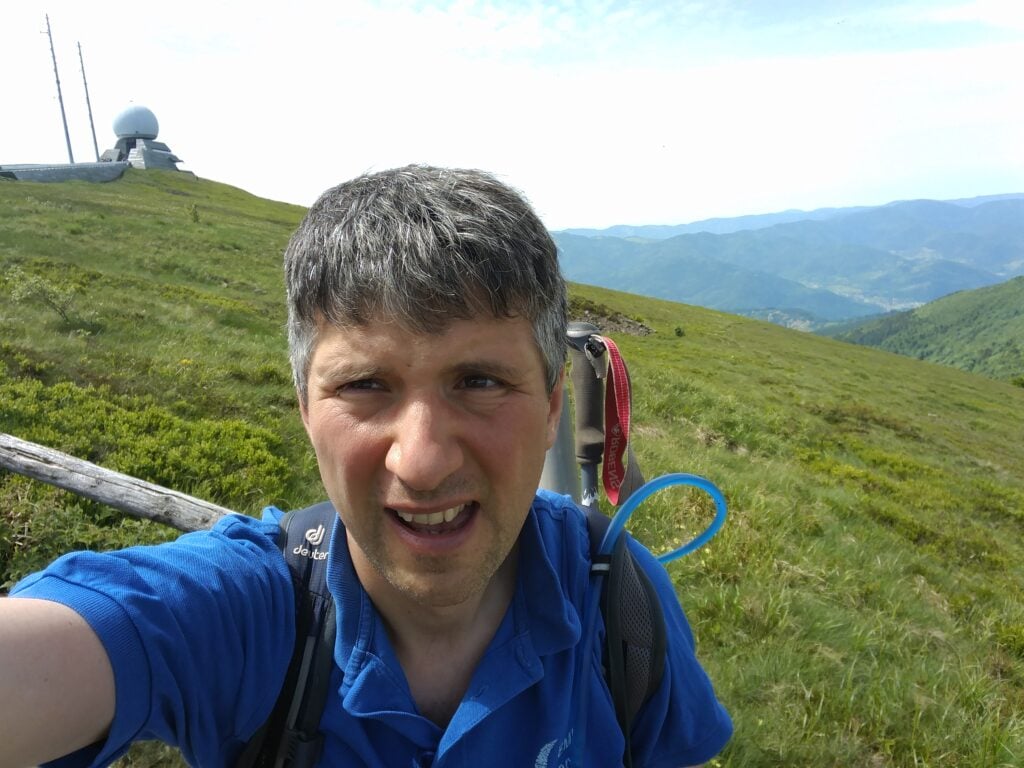
Half-way up Hohneck… It looks like a twin for the Camb-Hams’ Flossie is up here!Me on Hohneck
Despite my early start, it was clear that Hohneck is a popular place. I didn’t feel my dipole was in the way at this stage of the morning, but any later and it might have been more problematic. I quickly made 9 QSOs and packed up to head to the next hill.
Loading map…Scroll or tap to load the interactive map
Distance
—
Elevation gain
—
Elevation loss
—
Max elevation
—
Waypoints
—
Elevation profile
FL/VO-084 Ronde-Tête
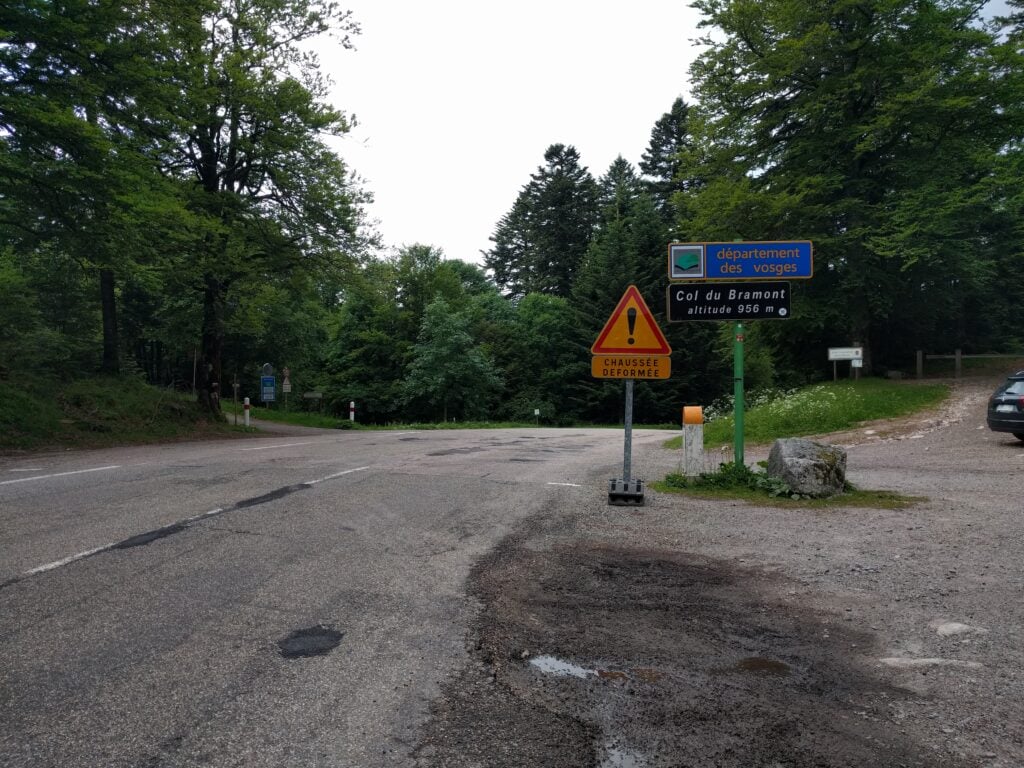
The Col de Bramont is about 15 minutes’ drive from Hohneck and it is a useful starting point for activations of Ronde Tête on one side of the road and L’Altenberg on the other. Both hills are similar, in that they are walks through forest on signed paths for the majority of the walk, before you have to leave the path to head through the trees into the activation zone. In both cases, I wouldn’t recommend doing the walks in ice or after heave rainfall, as the ground is mainly leaf-mulch which will become quite slippery.
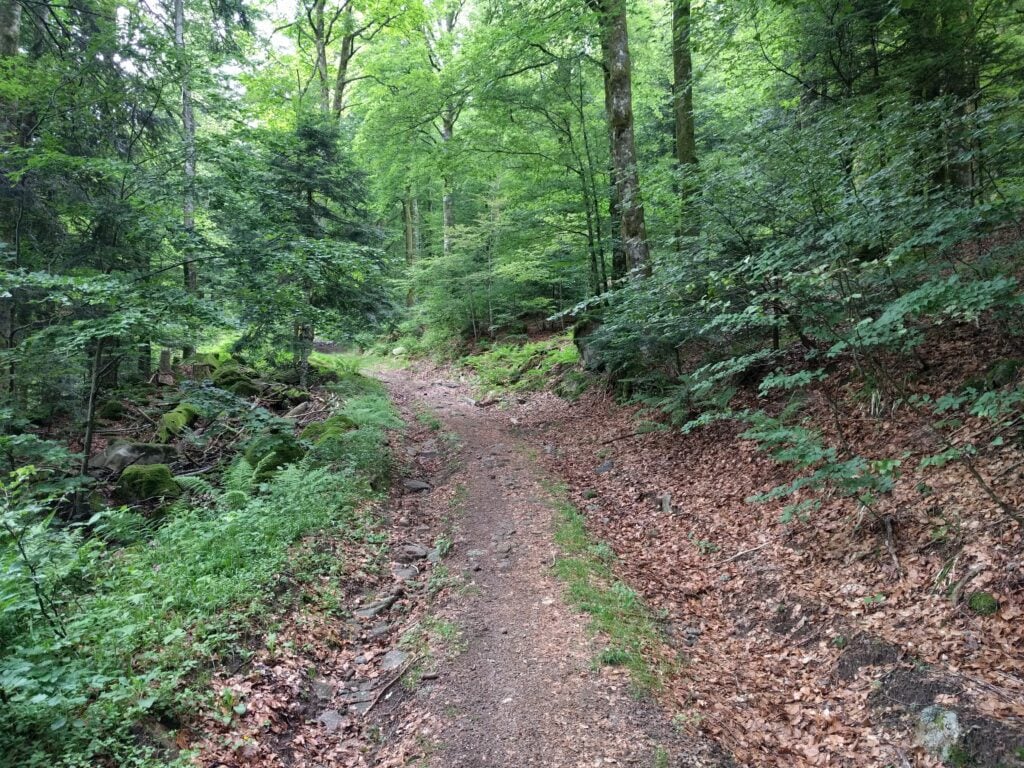
The walk up Ronde Tête is probably the marginally easier of the two walks. The path is mainly fairly wide and it’s clearly marked. The only thing to watch for is to ensure you take the route doubling back on yourself at 47.9995N, 6.9496E, rather that continuing in the same direction. Having done that, it’s just a matter of following the path through the forest to the sign marked Panoramic view of Wildenstein, situated near 47.9979N, 6.9611E, where you leave the path and head up the slope. Again, you need to watch your footing a bit here, as the leaves are deep in places and stones are covered in moss, so it would be easy to slip in wetter conditions.
Carpark at Col de Bramont
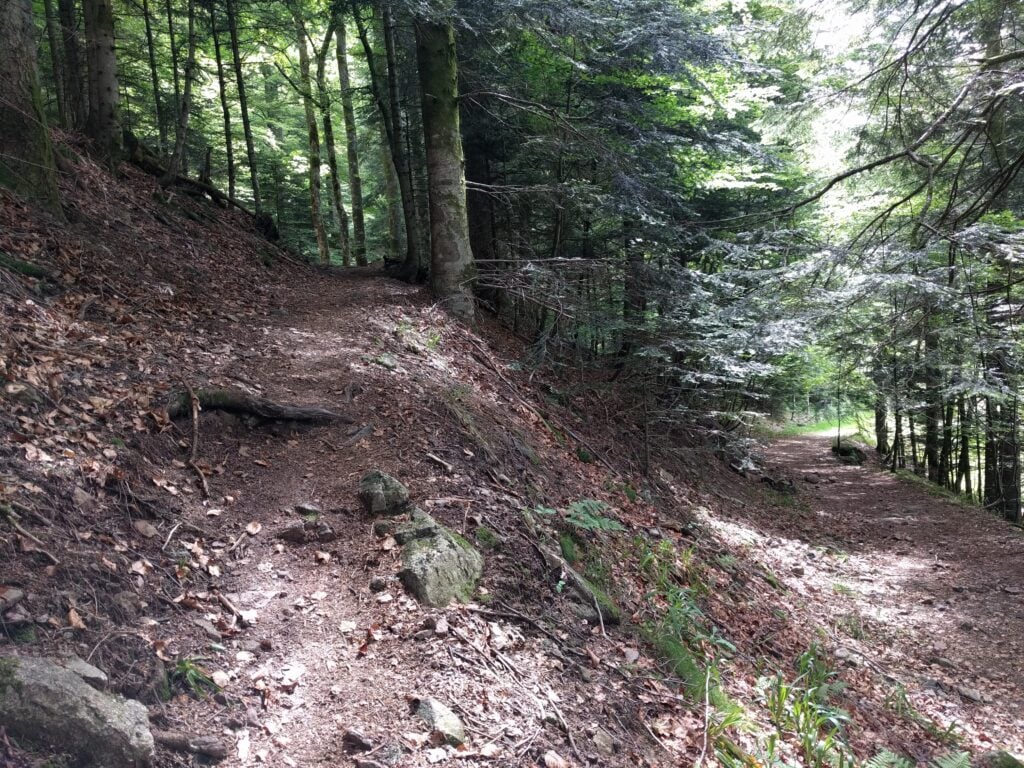
Path up Ronde Tête
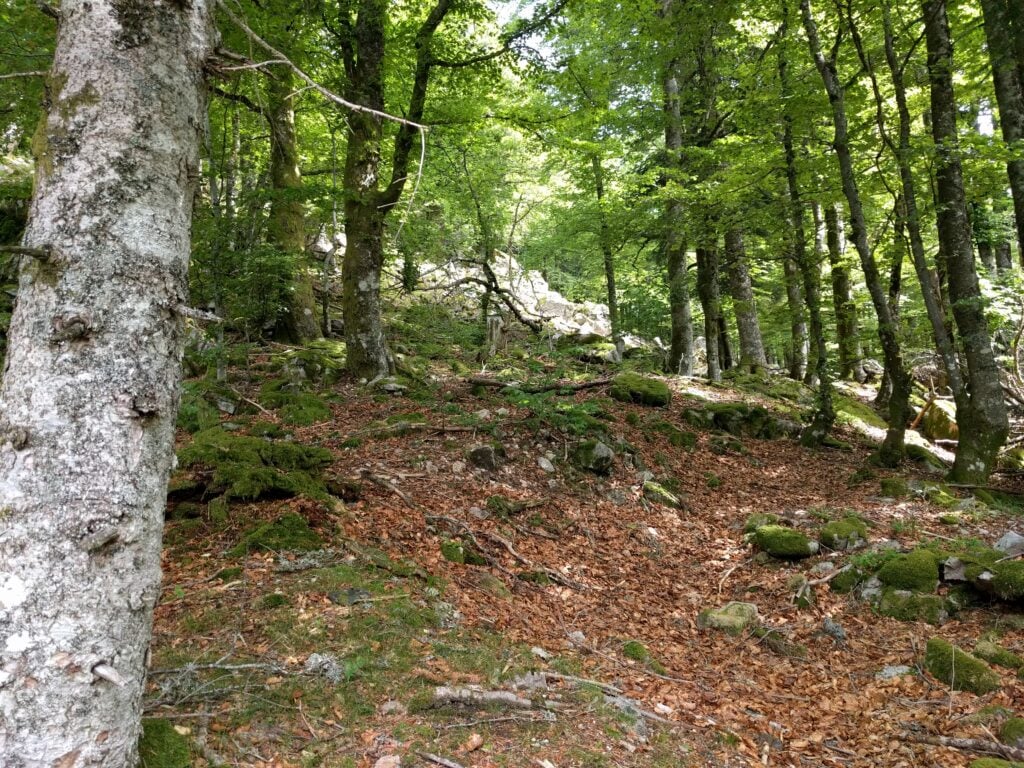
Approaching the summit, you have to leave the path and pick your way through the trees to the top
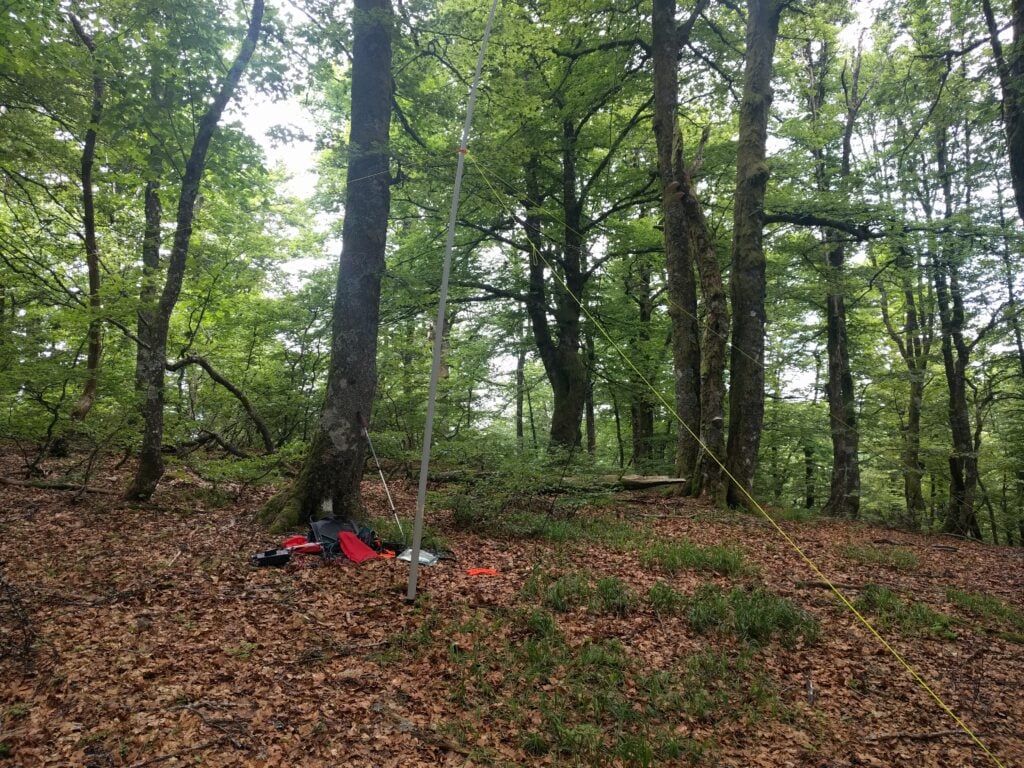
My equipment set up on Ronde Tête
The walk took me about 1 hour to climb the hill and about 30 minutes back down (as I spent some time picking my way up the slope on the ascent), with about a 190m ascent over about a 2km walk. Once at the top, I made 6 QSOs on 30m CW before descending.
Loading map…Scroll or tap to load the interactive map
Distance
—
Elevation gain
—
Elevation loss
—
Max elevation
—
Waypoints
—
Elevation profile
FL/VO-012 L’Altenberg
Returning to the road, in the opposite direction, is the similar climb up L’Altenberg. As with Ronde Tête, I’d certainly recommend taking a map and compass with you for this one, as my GPS struggled to maintain lock under the tree canopy. The relevant IGN 1:25,000 walking map is 3619OT.
The climb up L’Altenberg is similar but slightly more challenging. The paths are narrower with steeper drops off the sides in places if you were to stumble. Walking alongside the Altenberg for a lot of the route, you wonder how you can climb some a steep slope, but keep heading south on the path to around 47.99105N, 6.94698E and there’s a less steep area, which is easier to ascend.
Path up L’AltenbergThe path through the forest to L’Altenberg
The climb took about 45 minutes (and 30 minutes down) for about 145m ascent over about 2km of walk. Again, I just made 6 QSOs before heading back down the path.
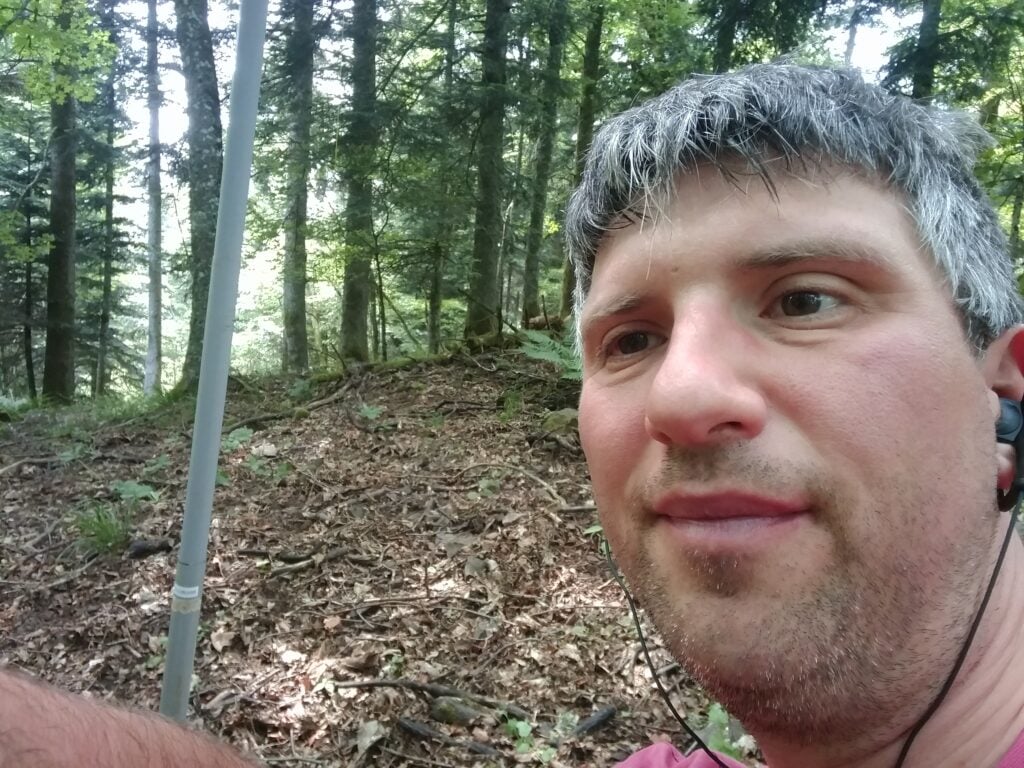
Me on L’Altenberg
Loading map…Scroll or tap to load the interactive map
Distance
—
Elevation gain
—
Elevation loss
—
Max elevation
—
Waypoints
—
Elevation profile
FL/VO-010 Le Grand Ventron
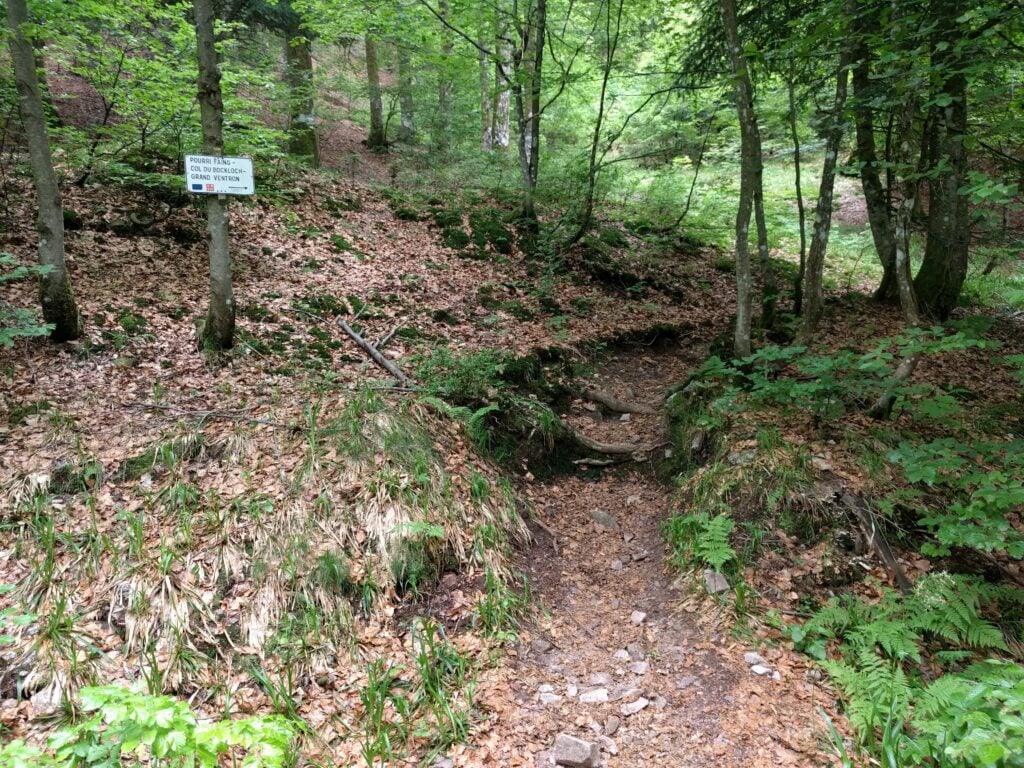
The last summit of the day, again a 10-pointer, was Le Grand Ventron. It can be accessed by continuing the path from L’Altenberg (though this is quite a substantial hike), or by taking the easier option of driving to the Auberge, from which it’s basically a quick step along a field edge to the summit.
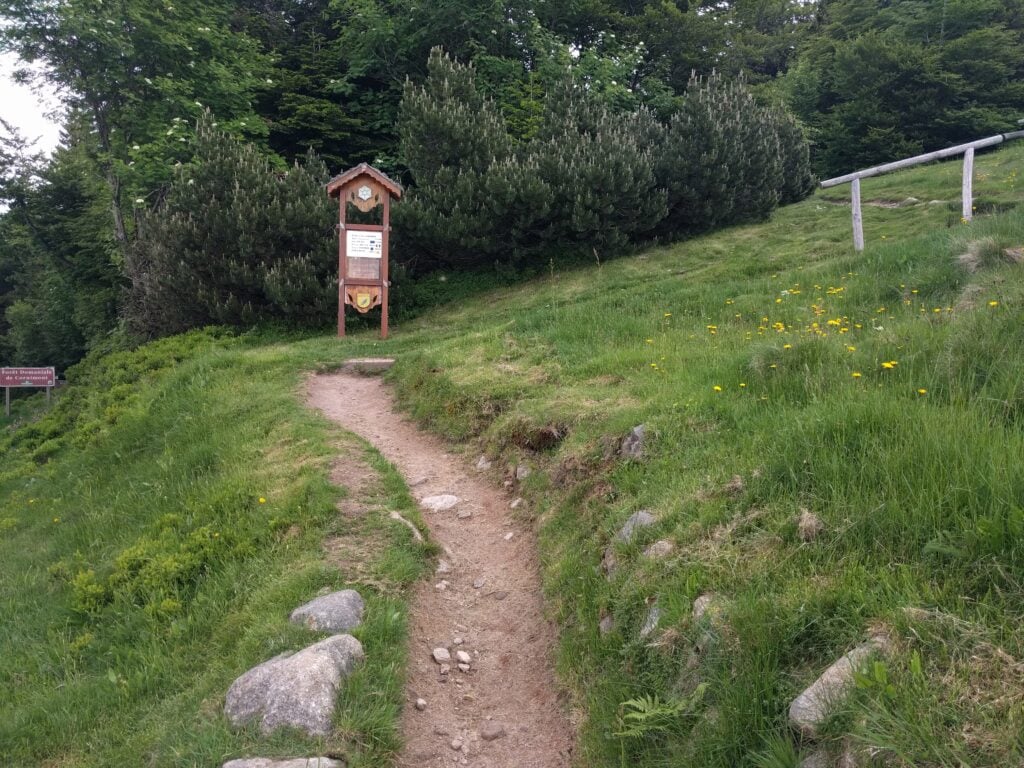
The ascent to Grand Ventron
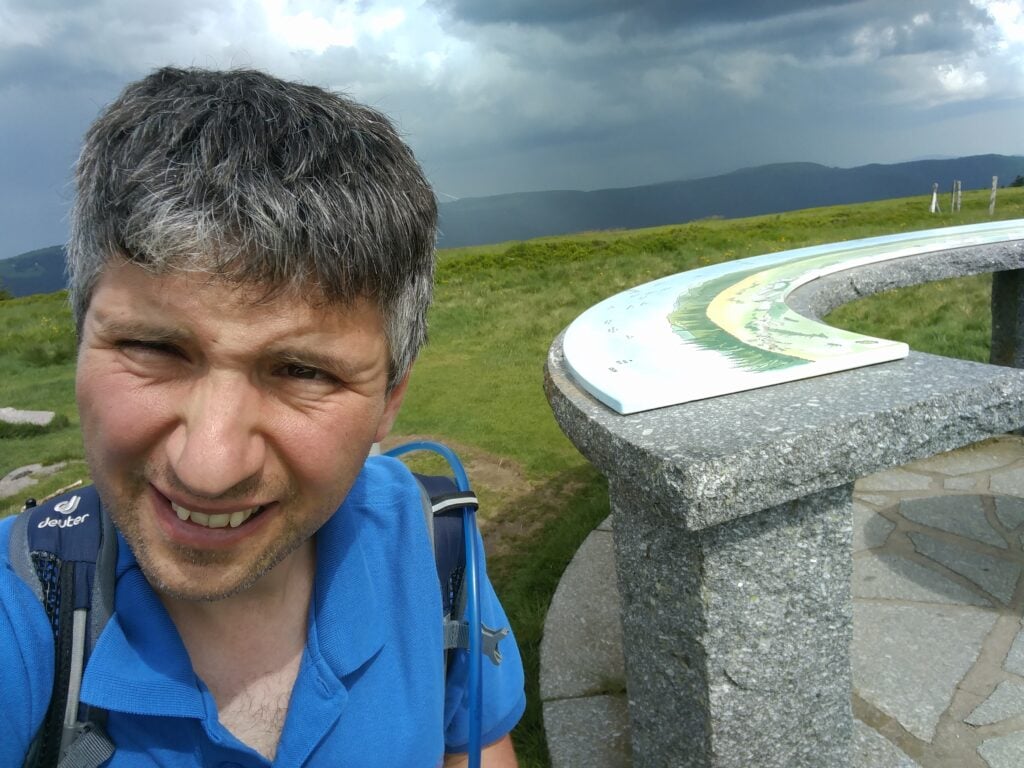
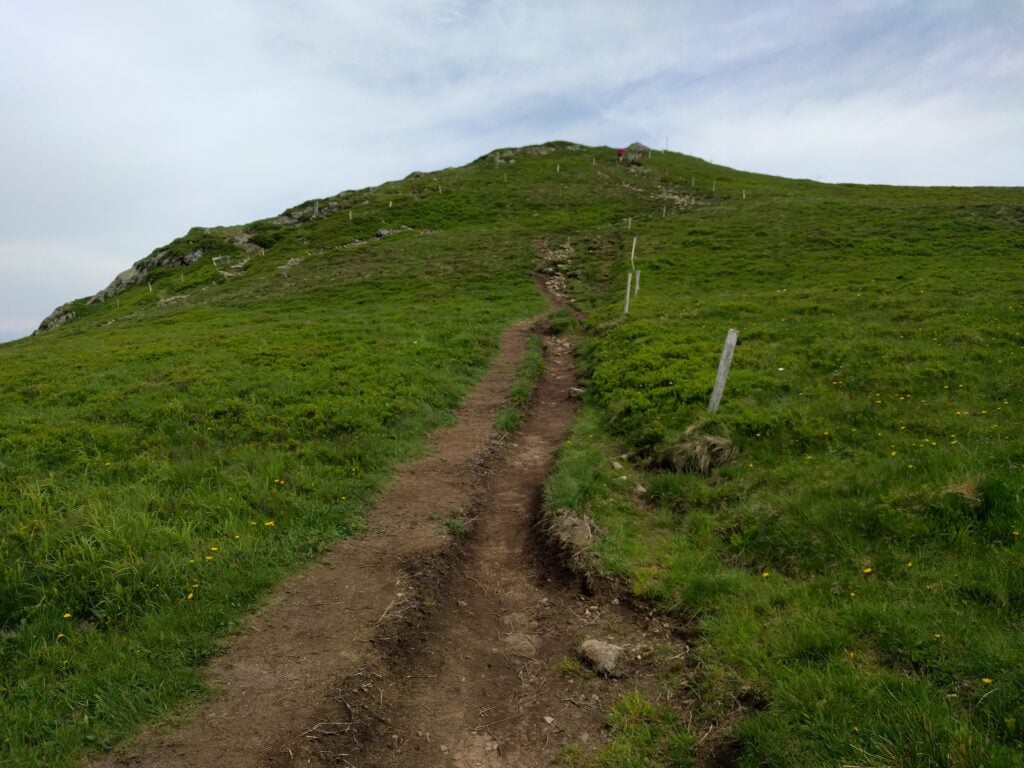
There really isn’t that much more to say about this walk. It’s literally 10 minutes’ walking, and not very steep, ascending just 150m over about 0.5km (most of which is done in the immediate climb up from the road). At the summit, there’s a chart showing all the nearby peaks and even on a muggy afternoon with a storm brewing, it was still quite popular. Luckily, the activation zone is quite large as the summit has a flat top, so I set up just a bit away from the highest point to make 8 QSOs, again on 30m CW.
Me on Grand Ventron (with a storm brewing behind)
Loading map…Scroll or tap to load the interactive map
Distance
—
Elevation gain
—
Elevation loss
—
Max elevation
—
Waypoints
—
Elevation profile
With 80 points so far this weekend, can I complete my 100 point challenge tomorrow?
Before I post about the hills I’ve been climbing this weekend, I should probably explain why I’ve come to the Vosges, a very beautiful hilly area in Eastern France.
As you are probably aware if you’re reading this page, I participate in Summits on the Air (SOTA), an amateur radio award scheme for making contacts from summits. SOTA has a de-centralised administration model: so that a single team doesn’t have to classify hills globally, different ‘Associations’ administer the rules in their area, with that area often being a country or politically-recognised region.
Generally, for a hill or mountain to count for SOTA, it has to have at least 150 metres of distinguishable drop (‘prominence’) from the summit point, such that rolling hillocks don’t count. This is the so-called P150 rule. But some Associations are in flatter areas, that wouldn’t have many qualifying P150 summits, and so those Associations may opt to adopt an alternative P100 (100 metres of prominence) rule instead.
France is an interesting case in this regard, because the large mountain ranges (the Alps, Massif Central and Pyrenees) are all in the South and East, and so there’s a second Association (‘France – Low’), which is a P100 Association covering the North and West of the country. Due to the way the boundary between France and France – Low was drawn, the Vosges has ended up in France – Low, resulting in loads of easy 10-point P100 summits in a smaller area.
Bear in mind that if you travel to other Associations, your earned points accumulate towards your score in your home Association. By travelling from England (A P150 Association) to France – Low (A P100 Association), therefore, any summits I activate here will count towards my English score, even though they are easier.
When I first spotted the Vosges anomaly on the map, I had to come here in a Bank Holiday weekend to see whether I could achieve what I thought was possible: 100 SOTA points in one long weekend. That would be almost impossible to achieve at home.
I’ve come in late May not only because it’s a Bank Holiday but because many mountain roads in the area are closed in the winter by snow, so it needs good weather to attempt this challenge!
Getting here
I flew from London Heathrow to Basel Euroairport, which is actually on the French-Swiss border between St Louis (Mulhouse, France) and Basel, arriving on Friday evening. I hired a car from Avis via their tie-up with BA. If you try this too, it’s worth being aware that BA’s website can’t cope with the fact there are two Avis desks in two different countries in a single airport and so you get allocated the desk on the Swiss side of the airport. That’s fine but a recent EU customs rule apparently means that there are significant customs charges to take a Swiss-registered rental car into the EU, so you need to put in a special request for an EU-registered car. It sounds bureaucratic, but it worked fine for me, and just after 11pm we had a car. Because of the time, we stayed in the very nice surroundings of the Airport Hotel Basel, and then drove into France the following morning.
FL/FL-017 Molkenrain
My plan was to tackle four hills today, all of which are 10 points for SOTA. Le Molkenrain is the nearest to Basel, about 45 minutes of easy motorway driving from the border, and then just some twisty mountain roads for the last bit.
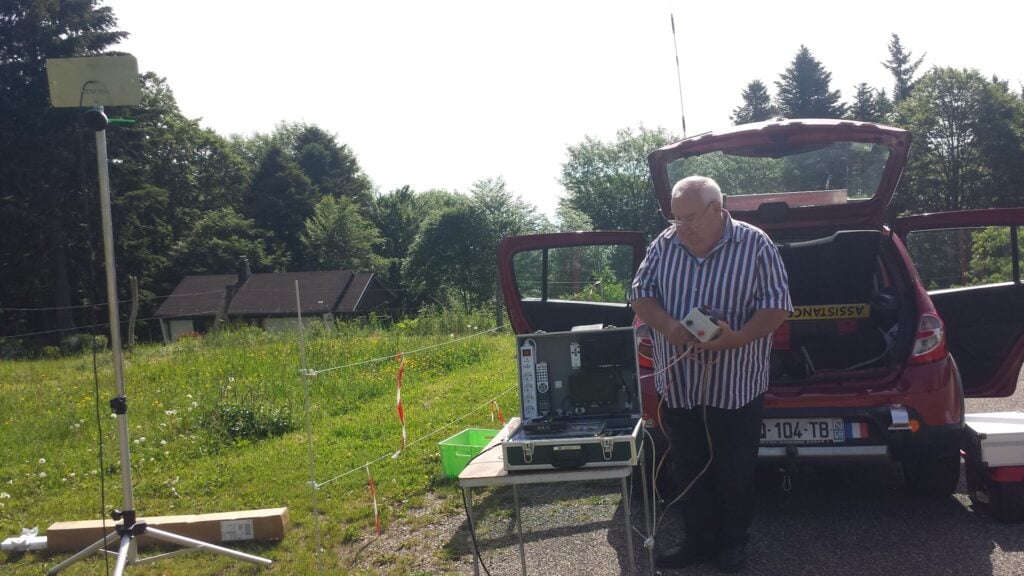
On arriving at the carpark, we found a local F4 station setting up some ATV equipment, aiming to get cross-band pictures on 13cm and 23cm to a repeater in Germany.
ATV from the carpark at Molkenrain
The walk itself is easy, and took just over a quarter of an hour. It’s only about a 125m vertical ascent over about 1km horizontal and I reached the summit at about 10:30. The path starts on the road, walking past the auberge (where public toilets are available), then cuts on a gently upwards path along the field boundary to the walker’s refuge. At the refuge, you turn right and follow the obvious path to the cairn.
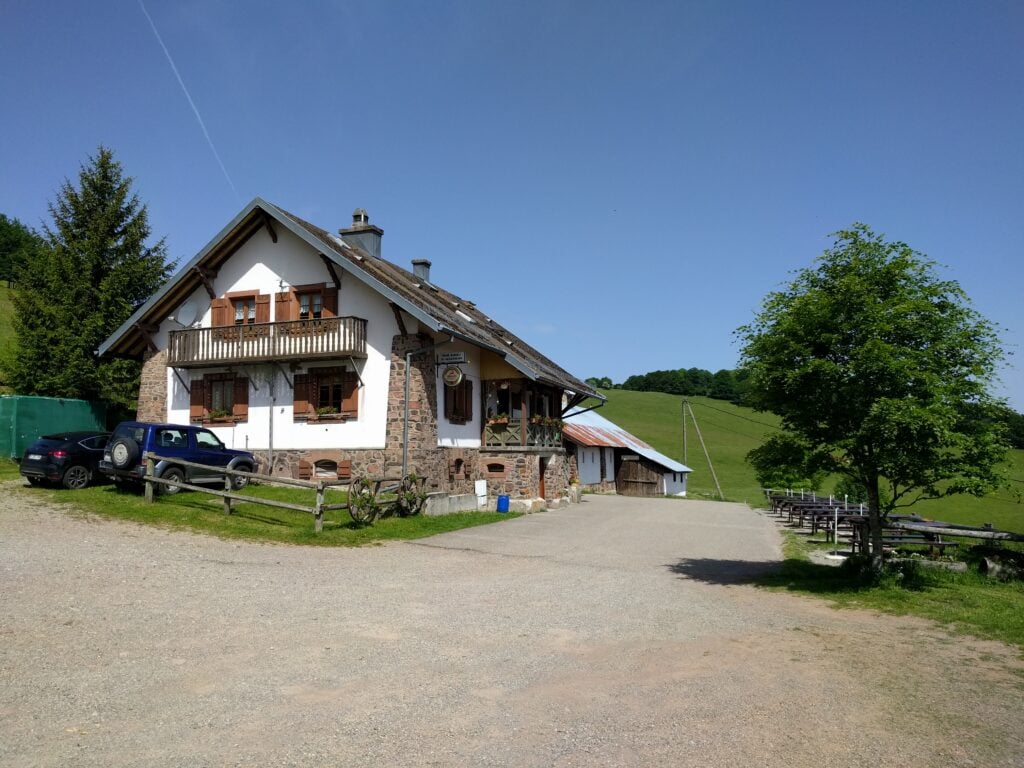
Molkenrain Auberge
I set up on 30m CW and easily made 8 QSOs within ten minutes. A quick pack-up, and I was back at the car by 11:15.
Molkenrain summit
Loading map…Scroll or tap to load the interactive map
Distance
—
Elevation gain
—
Elevation loss
—
Max elevation
—
Waypoints
—
Elevation profile
FL/VO-001 Le Grand Ballon
The Grand Ballon is about 30 minute’s drive from Molkenrain. It is a very busy site, with numerous restaurants in the carpark below the summit and, today, a lot of motorbikers using it. You certainly had to be alert when driving the hairpin bends, in case of a motorbike in the middle of the road around the corner.
There’s building work taking place in the carpark at the moment, meaning that the start of the path was a bit hidden but I followed the sign to ‘Sommet Gr. BALLON par G.R.‘ (Summit via the walking route). The path is short, only taking about 20 minutes to climb the about 70m vertically from the carpark, over about 0.65km. The views over the surrounding hills are quite spectacular, and half-way up you get a nice view towards the Storkenkopf – the next hill on the route.
The Storkenkopf, seen from the ascent of Grand Ballon
On top of the Grand Ballon, turn left towards the cairns, rather than towards the golf ball. The cairns area is sadly a fenced square, with no access beyond the fence. On a busy day like today, there were lots of families taking photos within that fenced area, and so this made operating a little difficult.
With some Sporadic E around, I chose to try 6m first as it needs less dipole length than 30m, but although the RBN saw my calls, I didn’t get any replies sadly. I think everyone was on FT8.
While I was wondering what to do, the area became a little quieter, so I took the opportunity to move to 30m and made 6 QSOs. In total, I was on the summit for about an hour, taking me a little behind my planned schedule.
On the summit of Grand Ballon
Loading map…Scroll or tap to load the interactive map
Distance
—
Elevation gain
—
Elevation loss
—
Max elevation
—
Waypoints
—
Elevation profile
FL/VO-078 Storkenkopf
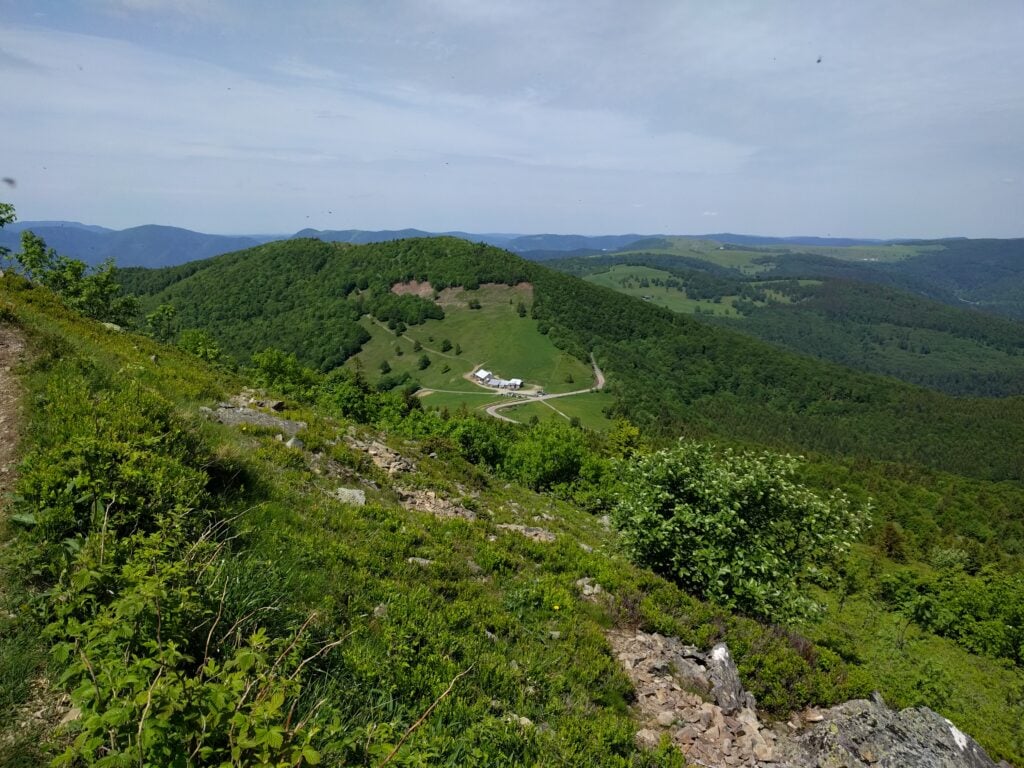
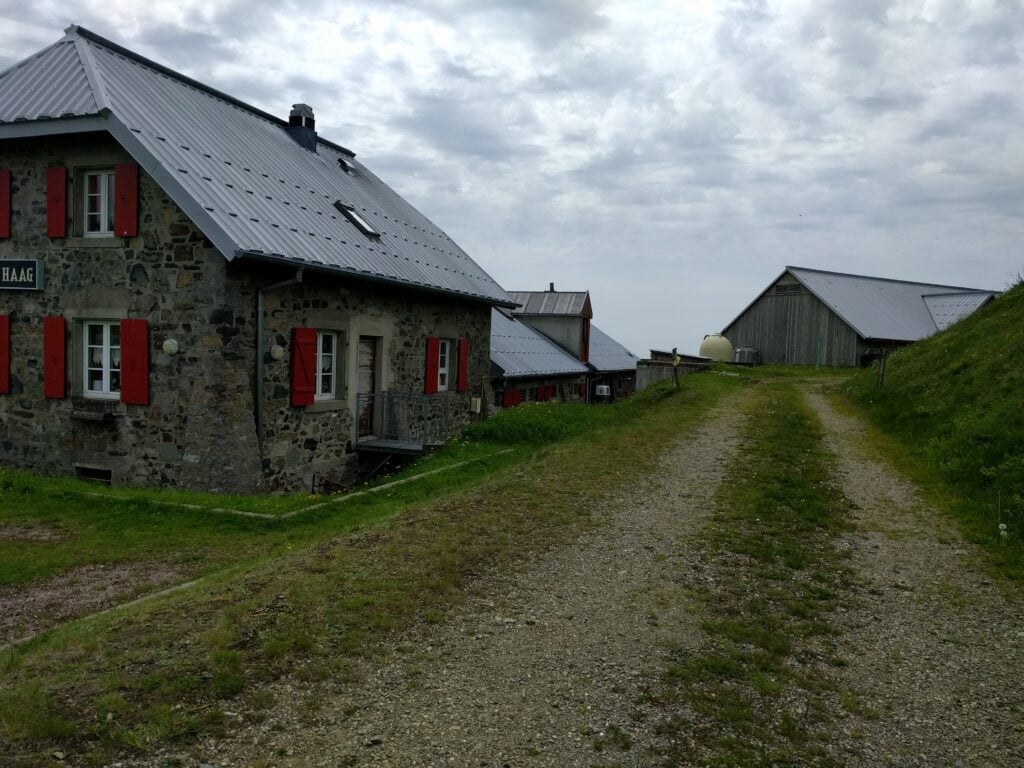
Storkenkopf is just around the corner from Le Grand Ballon. It would be easily walkable to go between the two, but since we would be driving past anyway, we parked at the Auberge de Haag at the bottom of the hill and I walked up from there.
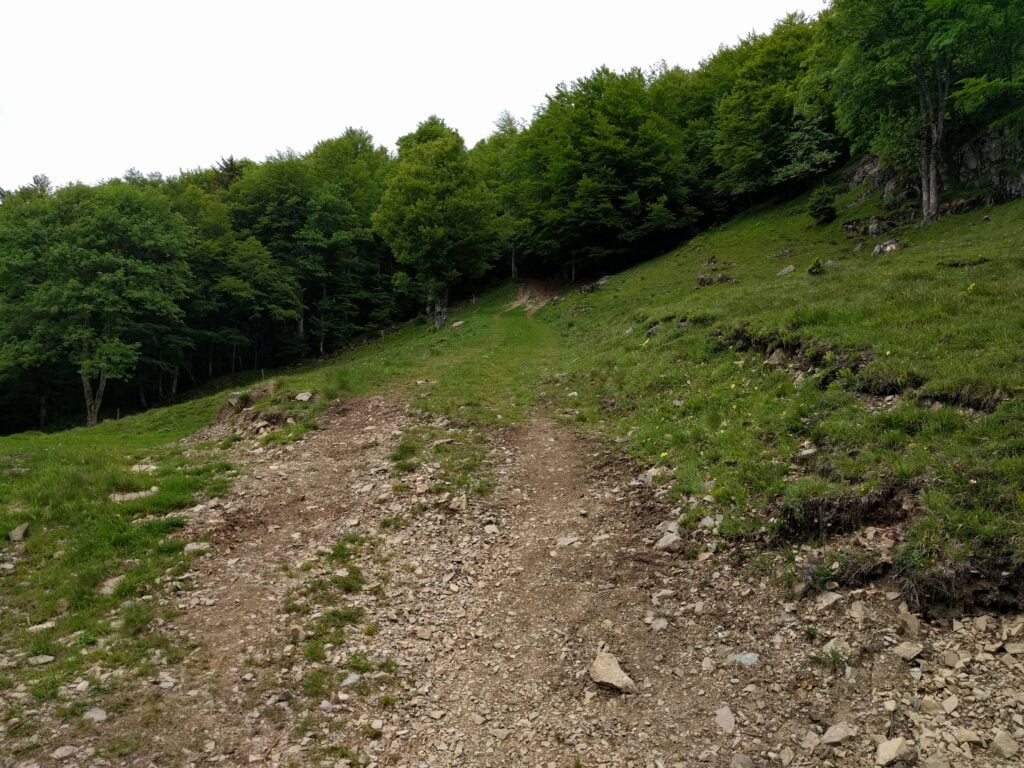
The path starts from behind the Auberge Haag, which is also a working farmPath heading into the forest, StorkenkopfThe small path approaching the summit on Storkenkopf
This is another fairly easy climb, starting from behind the farm and then you follow the marked path up the hill. When you come to a clearing in the forest, turn right and head to the far corner of the clearing, to pick up a smaller path to the summit. The journey up took me about 20 minutes, and the descent about 15 minutes. This hill is similar in steepness to Molkenrain, with 130m of ascent over a 1km.
This was a very good location for HF – much quieter than Grand Ballon – with plenty of space for my dipole. I managed 15 QSOs in 20 minutes from here.
Me on the summit of Storkenkopf
Loading map…Scroll or tap to load the interactive map
Distance
—
Elevation gain
—
Elevation loss
—
Max elevation
—
Waypoints
—
Elevation profile
FL/VO-080 Rothenbachkopf
About 30 minutes’ drive North of Storkenkopf is Rothenbachkopf. This is another easy walk, with a nice footpath starting at a carpark by the road, from where it’s about a 20 minute climb, ascending 100m vertically on a well-made path over about 0.8km, with a few steps leading up to the summit.
The carpark and road from RothenbachkopfThe path to the summit, Rothenbachkopf
There’s sufficient flat ground around the summit to erect an HF antenna, and I quickly made the six QSOs I needed to qualify the activation, again all on 30m CW.
Me on Rothenbachkopf
Loading map…Scroll or tap to load the interactive map
Distance
—
Elevation gain
—
Elevation loss
—
Max elevation
—
Waypoints
—
Elevation profile
All-in-all, a successful start to my challenge, with 40 points amassed so far, from four very easy 10-pointers. We retired to the nearby town of La Bresse, where we stayed at the Ibis Hotel, before a slightly more strenuous day tomorrow…
During this week’s Camb-Hams DXpedition to Islay as GS3PYE/P, three of us (G4ERO, GW2HFR and I) went to Beinn Tart a’Mhill, one of Islay’s one-point SOTAs (GM/SI-185).
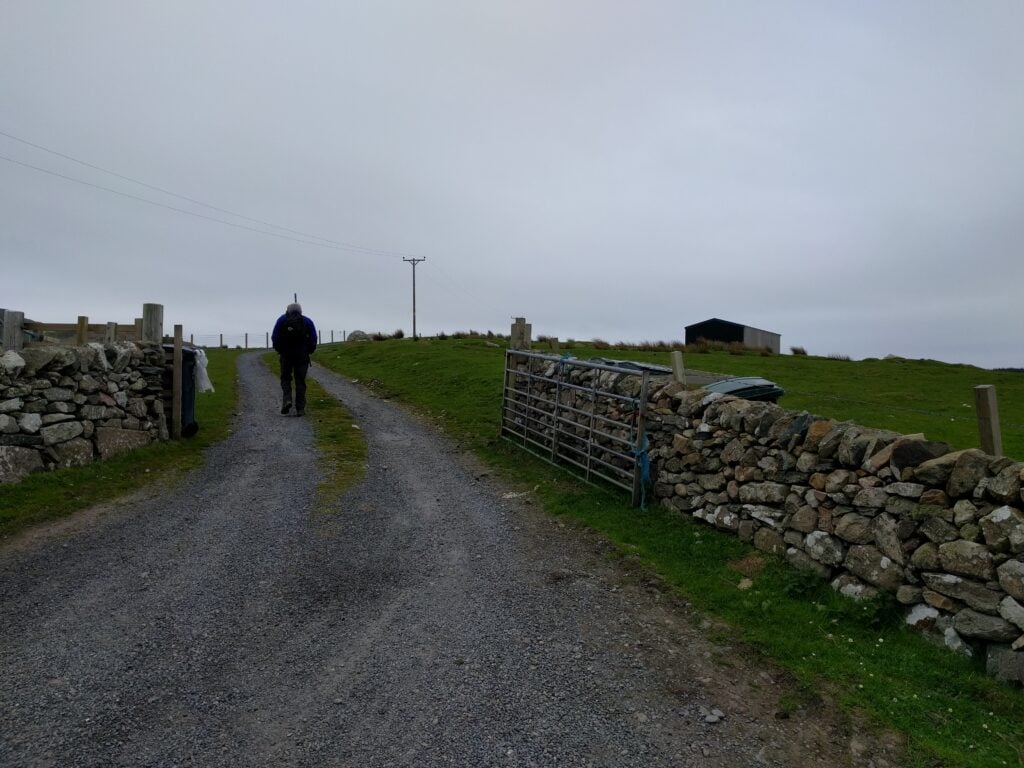
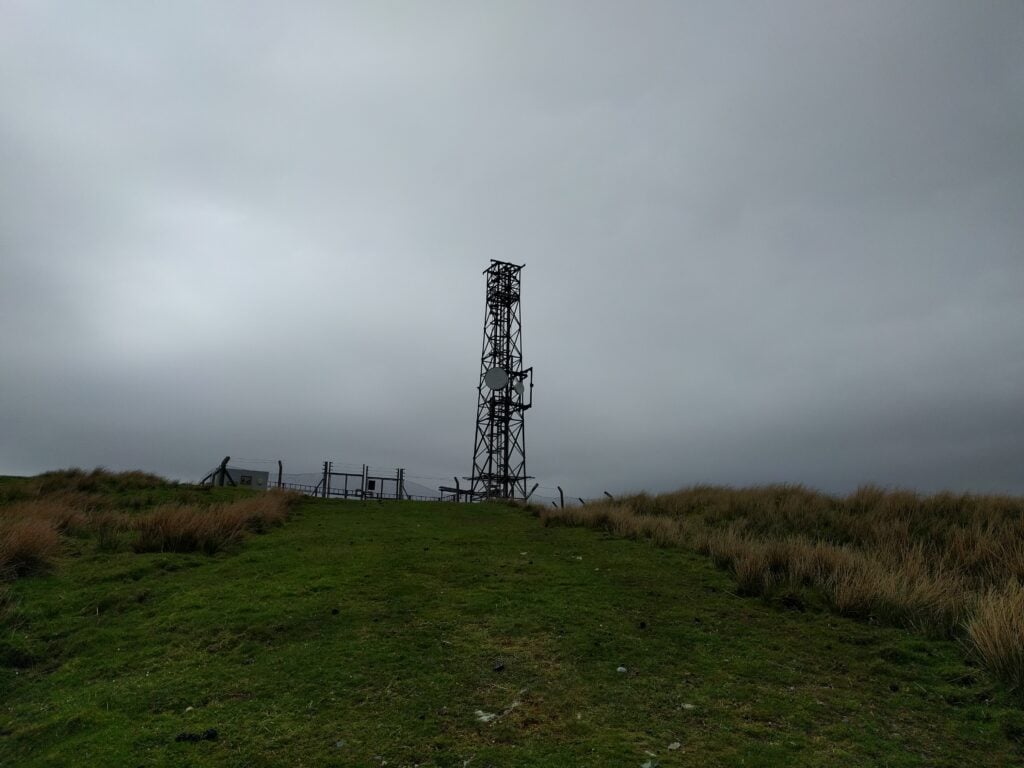
This is quite possibly also the easiest summit on the island, as it’s an ex-MOD transmitter site, with a nice path all the way to the top. Access is therefore quite easy. We parked at Kelsay farm (NGR NR 189 562, where there’s just space to pull a car in off the road, opposite the farm gates) then took the path into the farm as far as the ‘Private’ sign. From there, you can go over some slightly boggy grass to an adjacent path, which takes you to the transmitter site, past an old oil storage tank, presumably for the transmitter generator. The path gradually deteriorates from gravel to grass but there’s no navigation challenge.
Farm track at the start of the walkApproaching the transmitter site
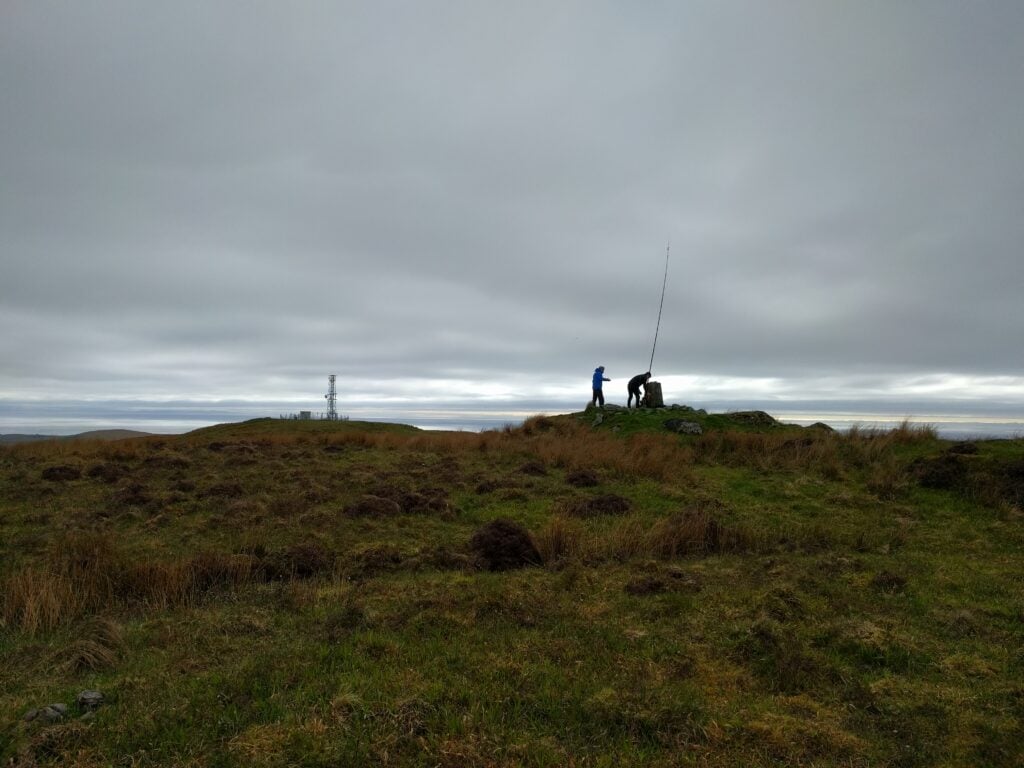
Once at the transmitter site, the trig point is just behind you on the slightly higher ‘other’ summit. It’s a five minute walk over the slightly boggy grass to reach this secondary summit. Once there, there’s plenty of space for antennas.
While G4ERO and GW2HFR concentrated on a slightly unsuccessful attempt on 80m, followed by a more profitable go on 20m, I set up on 30m CW and quickly managed 3 QSOs, and then something happened. Calling for the next 30 minutes, I couldn’t raise anyone for my fourth QSO, and there was nothing on 2m either, even though Northern Ireland was on the horizon. I swapped to 40m, still into the 30m dipole, and managed an SSB QSO there to complete the required four.
G4ERO and GW2HFR at the trig point
The path to the transmitter is about 3.5km each way, with a 200m ascent. It took about 40 minutes to climb, and about 35 minutes back down.
After yesterday’s exertion, I woke with a very stiff leg and, first thing in the morning, I even found myself hobbling up the slight incline to the campsite toilet block. Not a great sign for my original plans to walk up nearby Moel Siabod! Fortunately, I tend to make backup plans on my SOTA trips and this weekend was no exception, and I had lined up Foel Goch, a 4-point hill that looked somewhat easier, as a fallback. I decided to give it a go.
Foel Goch (GW/NW-039)
Foel Goch is a lovely hill and very convenient for those visiting North Wales from most of England, since it’s just a couple miles off the main A5 road. I parked at NGR SH 9642 4407, where the road is slightly wider due to a ford, but it later turned out that I could have continued further up the road to around SH 9637 4359, saving 50m or so of ascent.
Navigation is easy. From the road, follow the obvious path up the hill along the field boundary to SH 9582 4290. The terrain here is over lovely lush grass, so it’s easy walking, although it does get a bit steep. At the top of the field, you take another path (which is mainly flat and somewhat muddy) around the edge of the summit to SH 9585 4241, so that you attack the final climb from the West side. That final climb is then a matter of picking the less-visible track that makes its way straight up over rougher moorland grass. It’s slightly steep but still perfectly do-able.
Start of the path up Foel GochApproaching Foel Goch summit
With my leg still a little painful, it took me 1 hour 30 to ascend and 50 minutes for the descent, so under normal fitness, I could have done it quicker.
This hill didn’t seem well-frequented, and there’s plenty of space on top next to the trig point, monument and cairn, all of which crowd the highest point. I initially started operating on 2m but struggled to raise anyone, so I instead switched to 30m CW and promptly made 8 QSOs.
Foel Goch summit
Pole Bank / Long Mynd (G/WB-005)
It was another gorgeous day, and I was feeling a bit better now that my leg had had some exercise, so I decided that I couldn’t head straight back to Cambridge immediately. Instead, I realised that I would be driving home close to the Welsh Borders SOTAs in Shropshire, commonly known as the ‘favourite 5‘, since the five hills are an efficient way to gain Winter Bonus points in that season. I opted to try two of the more westerly hills today, thereby still leaving the easterly ones for after October.
There isn’t much to say about Pole Bank. It’s a pretty boring place, and I didn’t even bother taking a photo there. You can drive to very close to the summit and then it’s barely an incline to reach the activation zone. There are gravelled wide paths with heather covering the rest of the ground. The only thing to be aware of is that the approach roads are quite narrow and, in places, have steep, un-barriered, drops around sharp bends. Somewhat counter-intuitively, on my last visit, in the ice in December, this hadn’t been a problem but today there were lots of people out, some of whom were clearly nervous in such circumstances, with short tailbacks forming up the hills.
On this trip, I parked at NGR SO 4265 9445, and operated from some clearer, off-path, land around SO 4171 9464. The walk took about 10 minutes each way. Eventually I made the required 4 QSOs on 30m CW — made especially difficult by the fact that the RBN was down (so no RBN tunnel to SOTA spots) and that I had no mobile signal on the hill to spot myself either. Once the contacts had been made, however, I packed up to head to Stiperstones. It was late afternoon by now, but Stiperstones is only five miles away, so I resolved to continue anyway.
Stiperstones (G/WB-003)
Heading up Stiperstones
It actually took nearly 20 minutes to drive to Stiperstones, again on small country roads. Back in December, I hadn’t been able to take my car to the large (free) car park at the Stiperstones Nature Reserve due to slipping back on the snow and ice, so I had had to walk further uphill, but there were no such issues today.
From the carpark, you follow the wide grass path up the hill to the clearly-visible stone mounds at the top. The activation zone surrounds Manstone Rock, the middle outcrop.
It was approaching 6pm by now and I needed to get back to Cambridge, so to speed the activation, I started by calling on 2m. No response, so it was time to return to my workhorse band of 30m, even though I knew that propagation would be dying. The RBN was still down, but I was able to make a SOTA spot from my phone this time, and I managed two QSOs on 30m but nothing more, and signals were weak. With no other HF gear, I took the risk of running a bit lower power on 40m into the 30m dipole. This wasn’t easy due to a contest, but one more station did come back to me there, but I couldn’t get anyone else. I was even begging friends in Cambridge for contacts by this point as I couldn’t face leaving without the fourth contact, but I struggled to hear any of them. Finally I made out a callsign, went to respond, and the radio died. There was insufficient power left in my LiFePo battery that was running the IC-706. (This isn’t a state you want to get into, as LiFePos don’t like being discharged that much. Luckily it seems no damage was done.)
I had no option but to return to 2m and call while packing the HF gear, hoping that someone would give me that last contact. Half an hour later, at 18:45, G4VRX (and 3-year old daughter Holly in the background) replied to me and saved the activation. Phew!
The early May Bank Holiday weekend this year has seen some unseasonably stunning weather, so it seemed a pity not to head to the hills and get a few more SOTA points.
Moel Eilio (GW/NW-022)
Moel Eilio is a 6-point hill in the shadow of Snowdon. Most people who operate from here do so by parking at the quarry and then taking the short walk up the hill from there. Somewhat foolishly, as it turned out, I decided that parking places would be at a premium on a glorious Bank Holiday weekend, and so I would get to Llanberis early, park there, and do the extra miles to walk up Moel Eilio from the town. One useful tip that I discovered while in Llanberis is that while parking around the main street is around £7-£8 per day, you can turn down the road beside the lake railway (signposted to Dinorwig Castle) and park just 200 yards down that road for a more reasonable £4 / day.
Navigation is simple: From the High Street, you walk up Goodman Street, turning left onto the footpath through the trees at NGR SH 5682 6041. At SH 5648 6028, you come to a warning sign for the former quarry; go over the stile and continue along the path marked on the OS map. As suggested by the notice, the path here is through the old quarry workings and at one point it does go close to a steep drop and it is also a little boggy. It felt perfectly safe, however. Once you reach SH 5569 5994, you turn south to follow the obvious path along the fence directly to the summit. It’s a fair walk from the town, however, and the ascent took me about two hours.
Path through the forest to Moel EilioView from the quarry on the ascent of Moel EilioApproaching the summit of Moel Eilio
Once at the summit, there’s a very handy stone shelter, walled on three sides, which can be used to shield you from any wind. On a busy day like today, however, it was actually full of people eating their sandwiches.
Summit of Moel Eilio with the useful shelter
Using a bungee cord to attach by fibreglass pole to the wooden fence posts, I managed 7 QSOs on 30m CW, before heading back to the car in Llanberis the way I had come. The descent took around 1 hour 20.
At the car, I dropped off the HF gear to save weight and just take my handhelds up my next target: the Llanberis path up Snowdon.
Snowdon (GW/NW-001)
The Llanberis path up Snowdon is the longest but also least steep and for this reason it is also known as the ‘Tourist Path’. That was a very appropriate name today as hundreds, maybe even more, people were on the mountain — and that’s despite my climb not starting until 14:30, by which time I’d have imagined most would already be on their descent.
There really isn’t that much to say about the Llanberis path. You start walking on the road out of Llanberis to SH 5815 5892, where you follow a wide path, ‘paved’ with roughly cut stones, more-or-less following the train track up the mountain. The first half of the path is relatively gently inclining, becoming steeper as you approach the summit. There were plenty of young children and older adults reaching the top even on a very warm day, and it shouldn’t be difficult.
I say ‘shouldn’t’ because on the latter stages of the climb, I managed to pull a muscle. I made it to the top and was able to successfully activate the mountain, but it made for a slow descent and a change of plans the next day. The ascent took me 2 hours 45 mins, and the descent took me 2 hours 10 mins, so still at the lower end of the 5-7 hour average time that’s often quoted for this route.
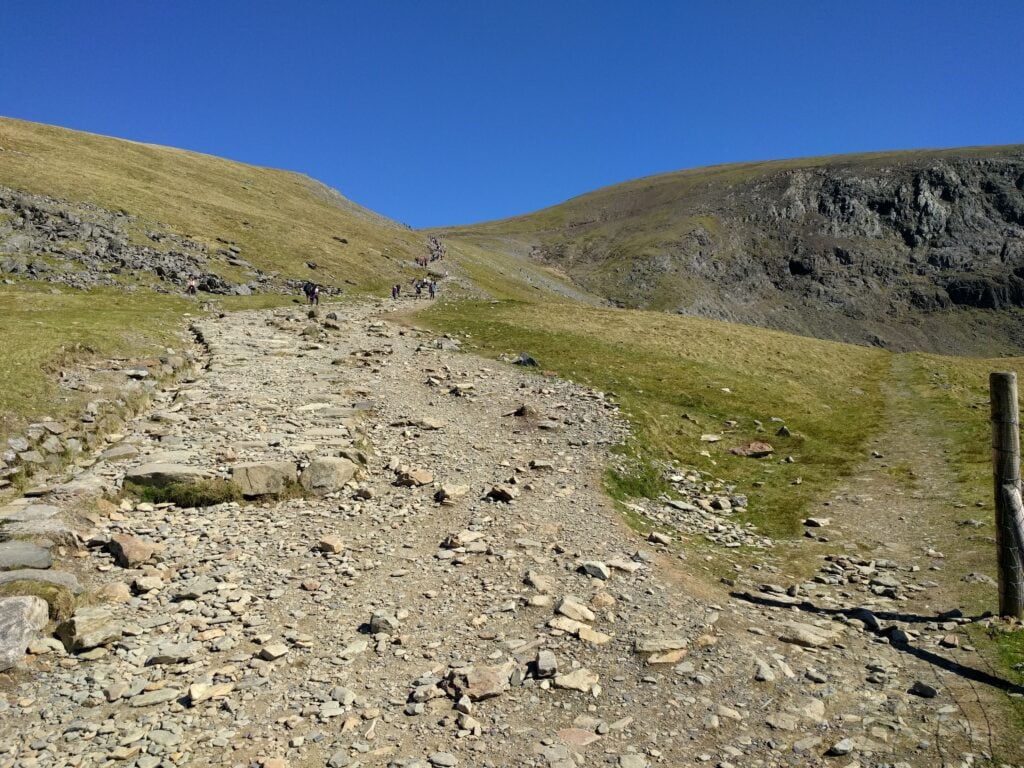
The path (and people) climbing Snowdon on the Llanberis path
As implied above, there really isn’t space on Snowdon for an HF antenna at the best of times, and on a busy day like today it was always bound to be impossible. The summit itself is a pinnacle, almost always with loads of people on it, so I stopped just off the path just inside the activation zone to put out my calls. I quickly managed 4 QSOs on VHF from my handheld, including one contact with GW7HEM/M, who was on his way down the same mountain. This was also my first time on Snowdon with a view – it has always been shrouded in cloud on all my previous visits – so a very welcome change.
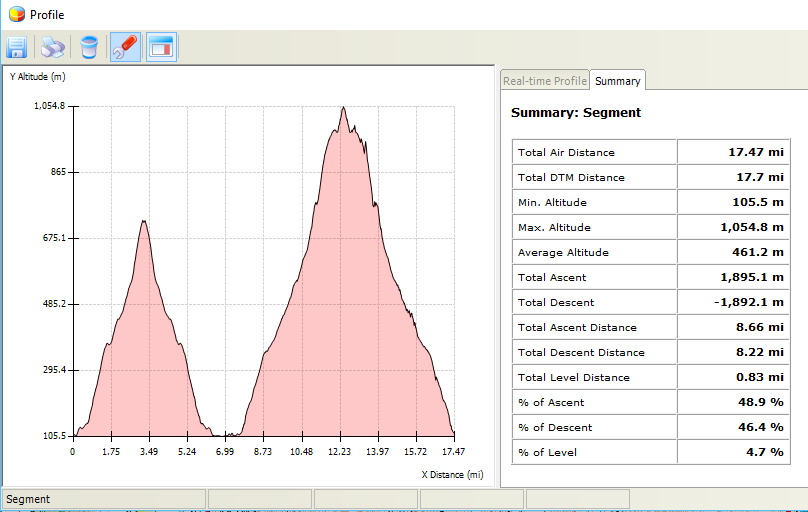
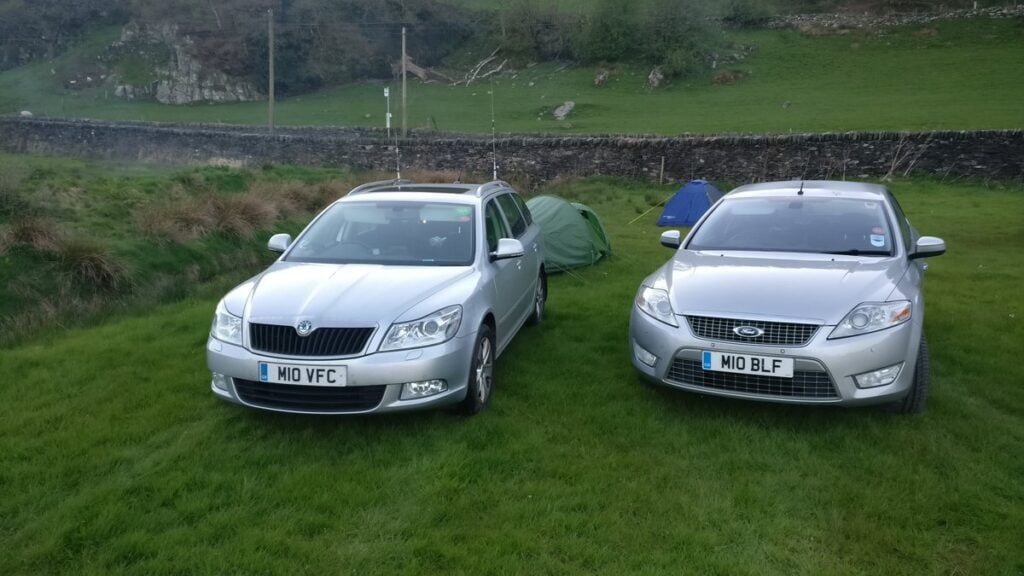
Overall, this was a long day of hiking: 17.5 miles walked with nearly 1900m of ascent over the two summits. No wonder I was keen to get to the Dolgam campsite, where I had a reservation (and where, completely unexpectedly, I was joined by M0VFC, who was also on a SOTA activation in the area).
Profile graph
(Just before I get any comments on the above graph, yes, Snowdon is 1085m. Yes, the SOTA Activation Zone is 25m, so my max altitude must have been >1060m to be inside the AZ. The 1054.8m shown here is well within the error bars for GPS altitude accuracy.)
Yesterday, 21st April 2018, I took my parents to visit Canterbury for a day out. On the return, as it was a beautiful and unseasonably warm day for April, we stopped off at Detling Hill so I could do a quick SOTA activation.
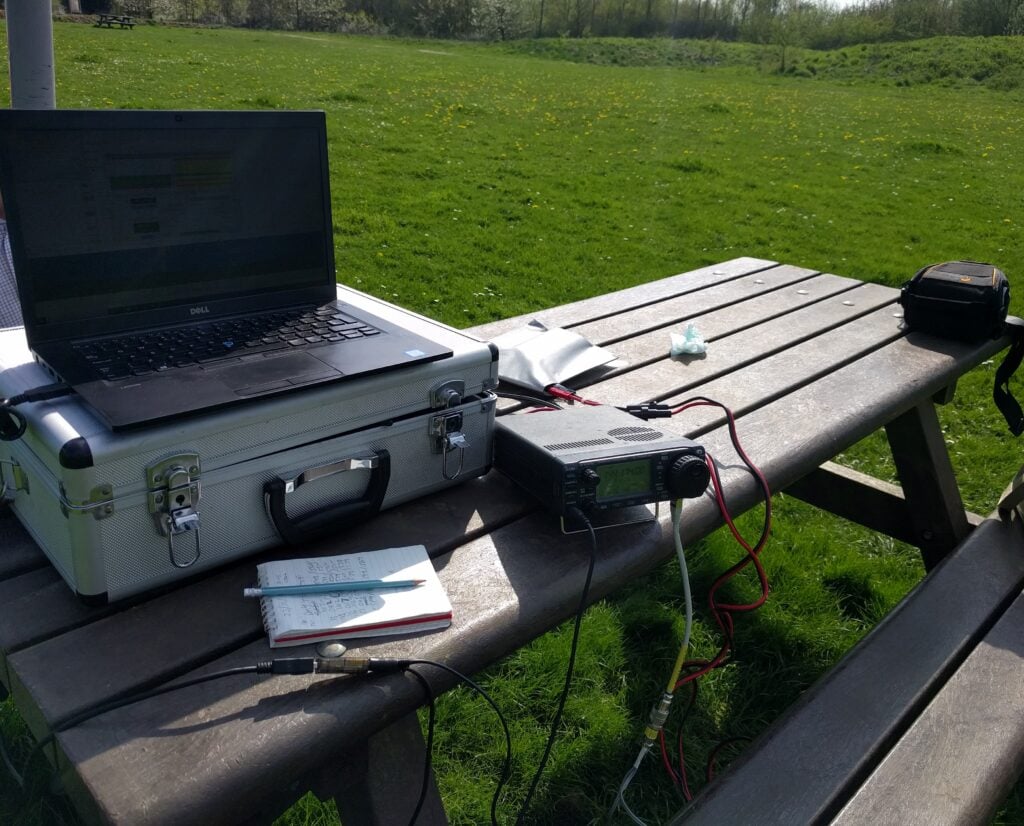
Detling Hill itself is a lovely place but boring from a SOTA point-of-view. It’s a one-point summit just off the A249. which links the M20 and M2 motorways on the outskirts of Maidstone, Kent. The easiest way to activate the summit is to park at the White Wood Country Park, where there is masses of parking for just £1.50 per day at weekends. The car park is in the activation zone and there are park benches there – perfect for operating! Since this felt rather like cheating, however, I did at least do the short walk to the trig point after completing the 4 QSOs. The trig point is maybe 5 minutes’ walk along a surfaced path from the car park, with very little incline.
To make my activation a little more interesting, I was aware that my time on the hill coincided with the first few minutes of the first ever RSGB MGM (Machine-Generated Modes) contest, taking place on 2m and 6m. With the knowledge that there would be a bench to operate from and masses of space, I took the opportunity to use my 3 element 2m beam that I bought in Rosmalen a few weeks ago and make my 4 QSOs using the FT8 mode.
This was successful in that I made the requisite number of contacts, but I was aware that something was wrong with my portable setup – I was apparently not hearing many of those calling me, and I also couldn’t see anything on my ALC meter. Something to investigate, as it had been working OK at home.
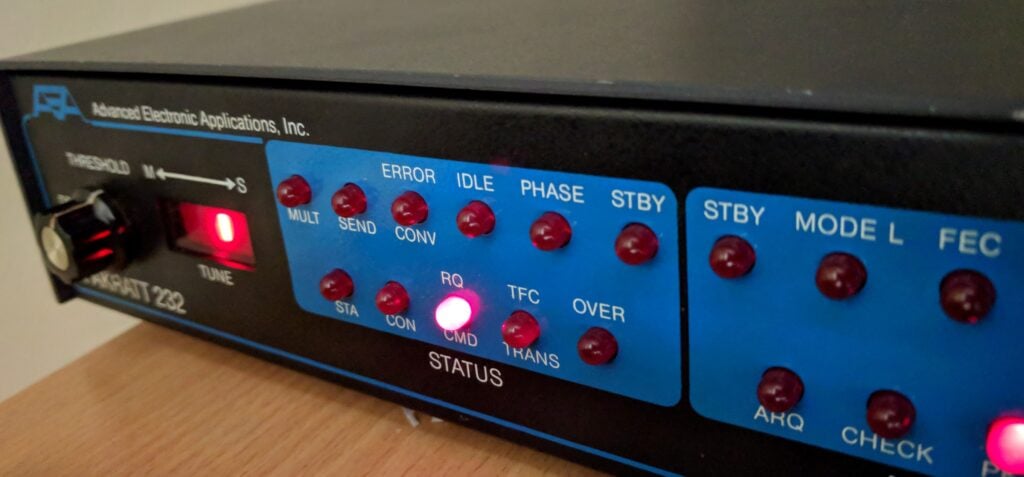
Over the past several weeks, I’ve had a project to resurrect an old PK-232MBX AX.25 packet radio Terminal Node Controller (TNC, or basically what we’d today call a MODEM) so I can send email over radio.
The ultimate objective is to use WinLink Express with our local Raynet group. In particular, we’re involved in a number of marathons, cycle rides and other events where the main UHF voice net gets very busy with people passing routine messages about which participants have reached their location. If some of this mundane, routine traffic could be moved onto an email network, the voice net would then be clearer for any less routine message exchange, and also should decrease the probability of mistakes caused by mis-hearing numbers. It should also help the Control station with information management. WinLink provides a mechanism for email without any internet requirement. This is useful because, whilst we could set up wide area WiFi, long-distance WiFi tends to be based on point-to-point links rather than an omnidirectional service to cover an area.Thus, we can have email access over several miles of course, independent of any cellular coverage. While WinLink’s protocols can ‘piggyback’ on many different modes with a node-based infrastructure, we’d at least initially just use AX.25 Peer-to-Peer connections to carry the data.
Which is where the AEA/Timewave PK-232 comes in. This was manufactured through the second-half of the 1980s into the 1990s and in its day was the TNC to have. It supported many modes, including AX.25, and cost a fairly substantial chunk of money too. These days, now that soundcards can often perform the role of a TNC, and with the AX.25 packet radio network largely supplanted by broadband internet services, PK-232s are widely obtainable for really not very much. I picked mine up a few years ago at a continental radio rally for just €10, I believe. It has been sitting in my garage ever since awaiting a project.
My now-working PK-232
Getting mine working proved to be a slightly complex exercise, having to piece together bits of information scattered around the internet and a lot of head-scratching, so this slightly long, technical, post explains what I did…
Tip: Skip to the Conclusion to see the main findings, but I’d strongly encourage anyone having similar problems to follow through the thinking, which is why I’ve typed it up.
The fuse
The unit was dead on initial power-on, which I soon traced to the glass 1A fuse on the circuit board. This was nice and easy to sort, thanks to a quick order from RS Components (part number 783-3343).
Basic TNC-to-computer functionality works
Once the fuse was replaced, I connected the TNC to my computer (the TNC has an old-school DB25 25-pin serial port, so you’ll probably need an adaptor), it powered on OK. I fired up PuTTy and set the basic default serial port connection parameters, typed ‘*’ and soon saw a command prompt.
The ‘default serial port connection parameters’, which are entirely separate from the RF output speeds, used by the PK-232 are unusual by today’s standards: 1200 baud, 7 bit word length, 1 stop bit, even parity. PuTTy will default to 9600 baud, 8 bit words and no parity, so you need to be careful to set the right thing or you may not see anything on your screen, or you may see gibberish.
The prompt I received showed that the firmware in the TNC dated from October 1989, about halfway through the PK-232’s production run, and certainly not the latest. Never mind, though, we have a start.
Wiring the TNC to my IC-706Mk2G
The next step was to get a connection from the TNC to my IC-706Mk2G radio. It felt as though the 6-pin mini-DIN ‘data port’ on the 706’s rear panel was the right way to do this, which meant creating an adapter lead from mini-DIN to the 5-pin molex-like plug used by the PK-232. Note that the 706’s mini-DIN annoyingly has different pinouts for 1200 baud and 9600 baud packet, which means we’ll be hardwiring to a certain speed by doing this.
I built the lead, tuned the radio to 144.800 MHz (the European APRS frequency) so there would be some APRS traffic to decode and… nothing. Absolutely nothing was received by the TNC, judging by the lights on the front. Was it my soldering? Another cable fault? I couldn’t see any obvious errors. At this point I became suspicious as all the other writeups I could find online showed people using the 13-pin full-size DIN accessory output from the 706, rather than the 6-pin mini-DIN data output.
I didn’t have any 13-pin DINs to hand to try, though, so instead I decided to go to the RJ-45 microphone connector on the front panel of the 706. It would be easy enough to wire that to the PK-232, and I didn’t even have to mess around with crimping an RJ-45 as I just needed to chop an old Cat 5 ethernet patch cable in half. The pinout for this is as follows:
RJ-45 pin    Ethernet cable colour    Role         PK-232 'Radio 1' pin
-            -                        RX audio     1    [Not connected]
2            Green                    TX audio     2
-            -                        Squelch      3    [Not connected]
7            White/Brown              Ground       4
4            Blue                     PTT          5
You’ll see that I left the RX audio line disconnected. I can’t find the source for this now, but one source on the internet noted that the IC-706’s output level from the microphone connector isn’t high enough to give reliable decodes on TNCs. That would make sense: this connection will only be designed for a small speaker/mic, so instead we use a 3.5mm patch cable to connect the 706’s rear-panel external speaker socket to the PK-232’s separate RX-IN audio input. The PK-232 doesn’t actually mind where the audio comes in, as long as the levels are OK. Having the 706’s volume knob at the 9 o’clock position seems adequate.
We don’t need to connect the squelch line as it’s optional and really only for channels that have shared voice and data traffic, which won’t be our use case.
Getting it to work with APRSIS32
Once the leads were made up, I could tune to 144.800 and APRS packets were decoded at the prompt in PuTTy. (The APRS system is built on top of AX.25, which is why this works.) We have progress! Now to find out whether we can transmit APRS (since I know there’s traffic there) before we try Winlink…
At this point I went down a long rabbit-hole trying to figure out the correct way to make the PK-232 work with APRSIS32. That isn’t the objective of this post, so I won’t dwell on it, but basically APRSIS32 doesn’t natively support the PK-232, so we need to put the PK-232 into KISS mode and then treat it as a KISS modem in APRSIS32.
Before starting APRSIS32, issue the following commands at the PK-232’s prompt in PuTTy:
This will allow you to connect to the PK-232 using the more normal 8 bit word length and no parity for the serial connection. You do not need to set expert mode on, nor set 8bitconv on, nor set rawHDLC on, all of which caused me to waste a load of time.
By the way, there is a difference between RESTART (which just warm-restarts the box) and RESET (which should do a factory reset). I say should because I found some cases where RESET appeared to reset the box but didn’t actually reset everything, leaving me in a confused state about its configuration. The only way to guarantee a reset of the PK-232 is to remove jumper J1 behind the battery on the circuit board for a minute or so, to ensure the memory is cleared. This again caused wasted time. (In fact, you’ll be removing this jumper so often that I’d recommend leaving the screws off the case until you know the PK-232 is working.)
Having restarted (not reset) the PK-232, we can connect to the PK-232 from APRSIS32. You can create a new KISS port in the user interface, or alternatively you can edit the APRSIS32 settings XML file to add the port in a more controlled way. The port configuration you need is:
I could now transmit and receive in APRSIS32. I noted, however, that the APRSIS32 log file included the following line:
Port(PK232KISS):2018-04-12T06:49:58.155 Missed Expected Response(cmd:) From Command(KISS ON)
It still worked, but that line would come back to haunt me when I tried to use the TNC from Winlink Express.
Firmware upgrade time
By this point, I knew the PK-232 to work with APRSIS32, both transmit and receive, but I couldn’t get it to work with Winlink Express 1.15.11.
Unlike APRSIS32, Winlink does natively have the option to support the PK-232, so it should just work without messing around with KISS mode. But no matter what settings I tried, I always got the same message from the Packet P2P window: Winlink would correctly initialise the PK-232, but would then say ‘Unable to connect to port COM8’. I knew no other program was holding the port open (otherwise it wouldn’t have initialised) so something else must be wrong. (Incidentally, it could connect to the COM port correctly in Packet Node mode, but that isn’t useful for me as I don’t have any local nodes).
After a bit of analysis, including monitoring the serial port traffic, I realised that the ‘native’ support for the PK-232 actually does put the PK-232 into KISS mode and, moreover, it was hanging immediately after issuing the KISS ON command. That looked familiar. It was waiting for the missing ‘cmd:’ prompt that APRSIS32 had complained about.
But I didn’t think KISS ON should return a prompt. After all, the whole point of KISS is to give a controlling computer control of the TNC, and so a user-facing prompt wouldn’t be necessary. I was mystified and yet it seemed unlikely that both APRSIS32 and Winlink would have a bug around this (even if APRSIS32 handled it more gracefully than Winlink Express). I decided that the next course of action had to be a firmware upgrade for the PK-232, to see whether ‘KISS ON’ gave a different response in later versions.
Of course today a firmware upgrade normally means a free download off a website, put a USB cable into some equipment, and press some magic button to upload the new firmware to an EEPROM (where the first two Es stand for Electronically Erasable). Not so in the 1980s. The PK-232’s firmware was stored on one (or two, depending on the version) one-time programmable EPROM (with no erasing, other than flooding it with UV light). An upgrade meant buying a new chip and installing it onto the circuit board.
So, being very careful with my phrasing here, since I couldn’t possibly condone or encourage copyright infringement, I got hold of a couple 27C512 ICs and obtained the final v7.2 firmware. Be aware that you can only use the latest firmware on a PK-232 with a serial number over about 45,000, or an earlier model with the mailbox daughter board (ie. the PK-232MBX upgrade). Mine has a serial number of 23,400-ish but with the daughter board installed, so I was OK.
Replacing the chips was straightforward enough, although the pins almost inevitably bend as you pull them out of the board, In all likelihood, you won’t be able to replace the original chip once it’s out. A strong word of caution here, since I got this wrong: the photo linked from the firmware source shows a chip marked ‘LO’ in socket U3 on the board. This is incorrect and, if you follow it, you’ll likely have trouble getting the IC back out again as explained above. You want to put the v7.2 LO chip in socket U1 and v7.2 HI in socket U3.
Pull out jumper J1 (just behind the battery), wait a minute and then replace it to ensure the memory is clear.
Phew, it boots!
KISS mode, control flow, and the question of timing
As I had expected, issuing the KISS ON command in the v7.2 firmware behaves no differently from my earlier version. It still doesn’t produce a command prompt, so the Winlink problem was still there. It couldn’t connect to the COM port in Packet P2P mode.
What I did know from the earlier COM port sniffing, however, was that Winlink was actually trying to put the PK-232 into KISS mode. So what if I put it into KISS mode manually, and just connected to it from Winlink as a straight-forward KISS modem?
Using PuTTy, I issued the commands that APRSIS32 had used: XFLOW OFF / FULLDUP OFF / CONMODE TRANS / KISS ON, then closed PuTTy and started Winlink Express and told it to connect to a KISS modem.
Success at first… I could call a station using Winlink Express and, when the call happened, the radio went into transmit mode and transmitted something. But nothing was ever received. I even tried using a laptop + Kenwood D72 as another Winlink station positioned literally right next to the PK-232. The D72 heard the request from the PK-232 and transmitted a reply, but the PK-232 couldn’t decode the reply, so the handshake never succeeded.
I again turned to sniffing the COM port traffic and noticed that there was never even an attempt by host computer to read from the serial line. This also matched what I could see if I connected to the PK-232 with PuTTy immediately after Winlink: the read buffer would immediately be printed out onscreen as soon as PuTTy connected, so the replies were just being stored on the PK-232 and not being forwarded to the computer.
I started double-checking everything I knew and was eventually drawn to that mysterious command ‘XFLOW OFF’. What exactly did it do? It was the only thing I had no knowledge of at all.
It turns out that old-style serial communications could only be one directional at any given time. To implement a send/receive scenario, therefore, you had control flow logic to decide whether the host computer could send or receive at any moment. This control flow could either be implemented in software by sending control characters as part of the data, or in hardware through the RTS/CTS pins of the serial connector. More about RS-232 flow control here. XFLOW OFF was setting the software flow control off, and so implicitly asserting that hardware flow control was to be used. I started to suspect that this switching between transmit and receive was at the root of the problem. I could transmit OK but if the D72 was starting its reply before the PK-232 had switched over to receive, that would explain why the replies couldn’t be decoded. That seemed entirely plausible with a modern fast computer replying to a connection request from old 1980s hardware. Control flow would also be consistent with the computer not even attempting to read the decoded information. It would also explain why APRS worked: APRS is a single broadcast beacon message, with no handshaking and probably several seconds between your signal and another person’s signal – plenty of time for changeovers to complete.
The breakthrough
My first step was to increase the serial baud rate for the connection between the computer and the PK-232 to 9600 baud, from 1200 but that didn’t help.
I should mention that the PK-232 technical manual says that hardware control flow is generally implemented only on the RTS pin. If you want to use full hardware flow control over the CTS pin as well, you can do that by setting all of XON, XOFF, START and STOP to null, ie. $00. That didn’t help either.
While considering other options, I also played around with trying other settings in Winlink for alternative KISS-type TNCs, but I couldn’t get any of them to reliably work. I also tried the Extended KISS mode available in the later PK-232 firmware (command KISS $03 to enable it), without success.
Somewhat in frustration, I then tried setting Winlink to treat my PK-232 as a PK-96 under native (not KISS) mode. Suddenly everything sprang into life and I could both send and receive.
Conclusion
In summary, therefore:
Don’t trust the RESET command on the PK-232. Use the jumper on the circuit board as not everything will always be reset otherwise.
Winlink seems to have a bug in its Packet P2P connection mode (but not in Node mode), where it hangs waiting on the ‘cmd:’ prompt after issuing the KISS ON command, which it will never receive by the very design of KISS ON.
APRSIS32 also has this bug but handles it gracefully, merely logging the error and then connecting anyway.
In the case of Winlink, connecting to the PK-232 as a PK-96 works around this issue, with no adverse effects that I have found so far.
Putting my PK-232 into KISS mode manually and then trying to use Winlink to connect to it as a generic KISS modem doesn’t work. I strongly suspect a control-flow / timing problem but I found the PK-96 workaround above before I completed this investigation.
Wow! After many more hours than should have been necessary, I now have a PK-232 driving my IC-706Mk2G and sending/receiving email over RF, which we can use in the control station at Raynet events, while we use laptop/D72 combinations in the field.
Postscript: The working configuration
And finally, just because I wanted this information so badly while working on it myself, here’s the complete known-working configuration (output from DISPLAY Z) of the PK-232 when used with Winlink, pretending to be a PK-96:
Connect Link state is: DISCONNECTED
UPlink
Unproto CQ
3Rdparty OFF
8Bitconv ON
AAb
ABaud 110
ACKprior OFF
ACRDisp 0
ACRPack OFF
ACRRtty 71
ADelay 4 (40 msec.)
AFilter OFF
ALFDisp ON
ALFPack OFF
ALFRtty ON
ALTModem 0
ARQTmo 60 (60 sec.)
ARQTOL 3
ARXTor OFF
ASPect 2 (576)
ATxrtty 0 (000 msec.)
AUdelay 2 (20 msec.)
AUTOBaud OFF
AWlen 8
Ax25l2v2 ON
AXDelay 0 (00 msec.)
AXHang 0 (000 msec.)
BBSmsgs OFF
Beacon EVERY 0 (00 sec.)
BItinv $00
BKondel ON
BText
CANline $18 (CTRL-X)
CANPac $19 (CTRL-Y)
CASedisp 0 (as is)
CBell OFF
CFrom all
CHCall OFF
CHDouble OFF
CHeck 0 (00 sec.)
CHSwitch $00
CMdtime 10 (1000 msec.)
CMSg OFF
CODe 0 (International)
COMmand $03 (CTRL-C)
CONMode TRANS
CONPerm OFF
CONStamp OFF
CPactime OFF
CRAdd OFF
CText
CUstom $0A15
CWid $06 (CTRL-F)
DAYStamp OFF
DCdconn OFF
DELete OFF
DFrom none
DIDdle ON
DWait 16 (160 msec.)
EAS OFF
Echo OFF
ERrchar $5F (_)
EScape OFF
FAXNeg OFF
Flow OFF
FRack 2 (2 sec.)
FREe 18536
FRIck 0 (00 msec.)
FSpeed 2 (120)
FUlldup OFF
GENDchar $0D (CTRL-M)
GINIText
GLOCtx 0 (00 sec.)
GNMEA1 $GPGLL
GNMEA2
GPOLLcal none
GPSAuto OFF
GPSMode 0
GREMprog OFF
GSYMchar $00
GUNstart OFF
GRaphics 1 (960 dots)
GUsers 0
HBaud 1200
HEAderln ON
HEReis $02 (CTRL-B)
HId OFF
HOMebbs none
ILfpack OFF
KILONFWD ON
LAstmsg 0
LEftrite ON
LIte OFF
MAildrop OFF
MARsdisp OFF
MAXframe 2
MBEll OFF
MBx none
MCon 0 (none)
MDigi OFF
MDMon OFF
MDPrompt Subject:/Enter message, ^Z (CTRL-Z) or /EX to end
MFIlter $80
MFrom none
MId 0 (00 sec.)
MMsg OFF
Monitor 0 (none)
MOPtt ON
MProto OFF
MRpt ON
MSPeed 20
MStamp OFF
MTExt Welcome to my Timewave PK-232M maildrop.
Type H for help.
MTo none
MWeight 10
MXmit OFF
MYAlias none
MYALTcal none
MYcall M0BLF
MYGate none
MYIdent none
MYMail none
MYPTcall none
MYSelcal none
NAVMsg all
NAVStn all
NEwmode OFF
NOmode ON
NUCr OFF
NULf OFF
NULLs 0
PACLen 128
PACTime AFTER 10 (1000 msec.)
PARity 0 (none)
PASs $16 (CTRL-V)
PASSAll OFF
PErsist 160
PPersist ON
PRCon OFF
PRFax ON
PROut OFF
PRType 2
PT200 ON
PTHuff 0
PTOver $1A (CTRL-Z)
PTRound OFF
RBaud 45
RECeive $04 (CTRL-D)
REDispla $12 (CTRL-R)
RELink OFF
RESptime 0 (000 msec.)
REtry 5
RFec ON
RFRame OFF
RXRev OFF
SEndpac $0D (CTRL-M)
SLottime 60 (600 msec.)
SQuelch OFF
SRXall OFF
STArt $11 (CTRL-Q)
STOp $13 (CTRL-S)
TBaud 9600
TDBaud 96
TDChan 0
TIme $14 (CTRL-T)
TMail OFF
TMPrompt GA subj/GA msg, '/EX' to end.
TRACe OFF
TRFlow OFF
TRIes 0
TXdelay 60 (600 msec.)
TXFlow OFF
TXRev OFF
USers 1
USOs OFF
Vhf ON
WHYnot OFF
WIdeshft OFF
WOrdout OFF
WRu OFF
XBaud 0
XFlow OFF
XMITOk ON
XOff $13 (CTRL-S)
XON $11 (CTRL-Q)