I haven’t posted for a while on what I’ve been up to at work and there’s a good reason for that: the team I’ve been working with was pretty dysfunctional twelve months ago and I’ve been spending the last year trying to turn them around. In this post, I’ll describe that journey and why I’ve concluded that software development teams are like bicycles.
Context
I was first asked to spend a couple weeks in April 2015 working with Redgate’s SQL Monitor team as an external observer, finding out why their Project Manager was struggling and why the team was perceived as delivering slowly. In this environment, some of the team were even starting to leave the company…
A bit of background: the SQL Monitor project had been stopped for just over a year after the release of version 4 in January 2014. In the intervening time, no work had happened on the product, and the original team had disbanded. Many had gone off to do other things. In the meantime, revenue had continued to increase and so, in early 2015, the company decided to form a new team to continue that growth. The new ‘team’ (a mix of different people that had been cobbled together, most of whom had no experience on SQL Monitor) would work on one feature in order to get used to the codebase, while the company decided on what the further roadmap looked like. That didn’t sound like a team set up for success.
In my favour was the fact that the team knew they had a problem and so were prepared to work with me to address it. We didn’t have much time, though: the following week, two newly-hired developers were set to join them and we needed to make their introduction as good as possible. So, the usual advice that a Project Manager / Agile Coach should just start by observing the team went out the window. I had to act fast.
I started by organising a retrospective with the team to investigate their various problems. This was a fairly painful session, which I facilitated, using a fishbone diagram technique:
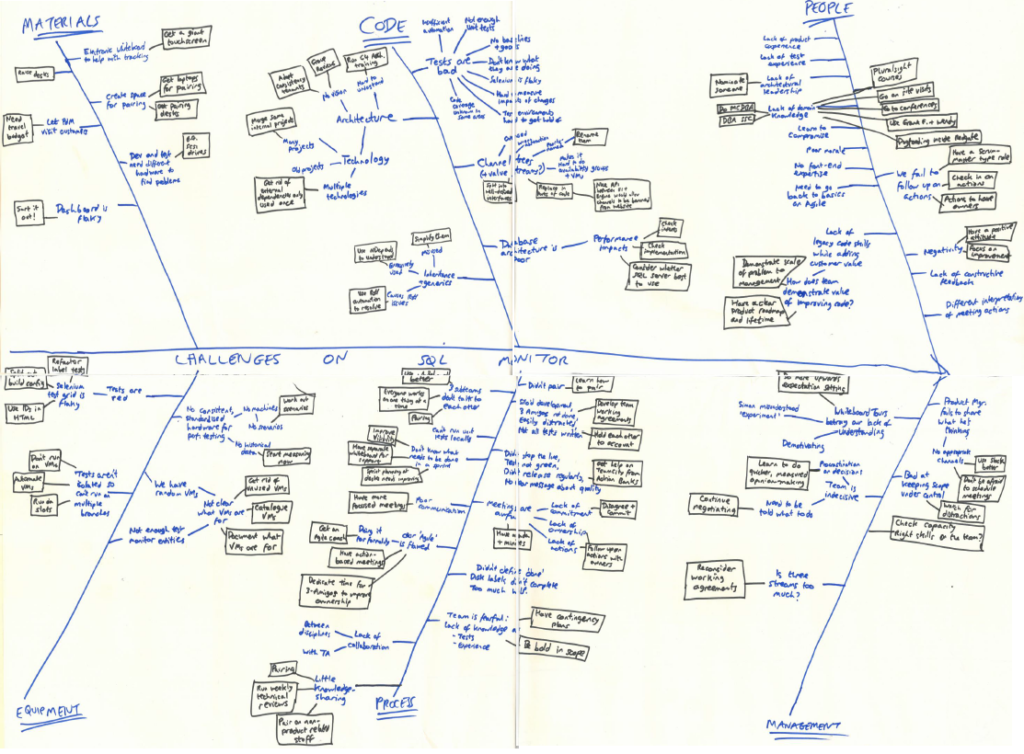
As expected, there were a number of really fundamental issues here, mainly with the state of the code, but feedback was that it was quite cathartic for the team to see them written down in one place.
To summarize, this was a pretty bad situation: the team had no goals, no deadlines and were struggling to do valuable work. In other words, they had no direction or momentum and the bicycle chain wasn’t even allowing the different parts to work in concert.
Giving a direction
During the same week as that retrospective, I sat down with the Product Manager and got his opinion on commercial direction. It turned out he had a presentation, that had already been presented to other managers, with his idea of a roadmap. It was a well-thought through plan; it’s just that the dev team hadn’t yet seen it. That was another easy fix – I got the Product Manager to give the presentation to the developers and let them challenge the rationale. With this approved, he could then go away to create a 5-year roadmap – rather unusual at Redgate but vital for giving the developers a sense of confidence that the project wasn’t about to be stopped for another year again.
The outcome of the Product Manager’s work was that there were two obvious big features to be done soon – support for Active Directory and support for SQL Server Availability Groups. Both of these were features which competitors had implemented already, and were actively costing us sales. The work felt likely to take a few months, it was mid-April 2015 and there was a big tradeshow, SQL PASS 2015, coming up in October. The way forward seemed clear. I’d re-focus the whole team on those two features and temporarily shut down the other distractions the small team was simultaneously trying to work on (mainly support escalations and code quality improvements). Stopping distractions, and especially support escalations, isn’t easy, and can’t be a long-term solution, but in some cases I’ve found it to be a very useful tool. If you have the right conversations, even the support personnel in the firing line from customers can be brought into the idea.
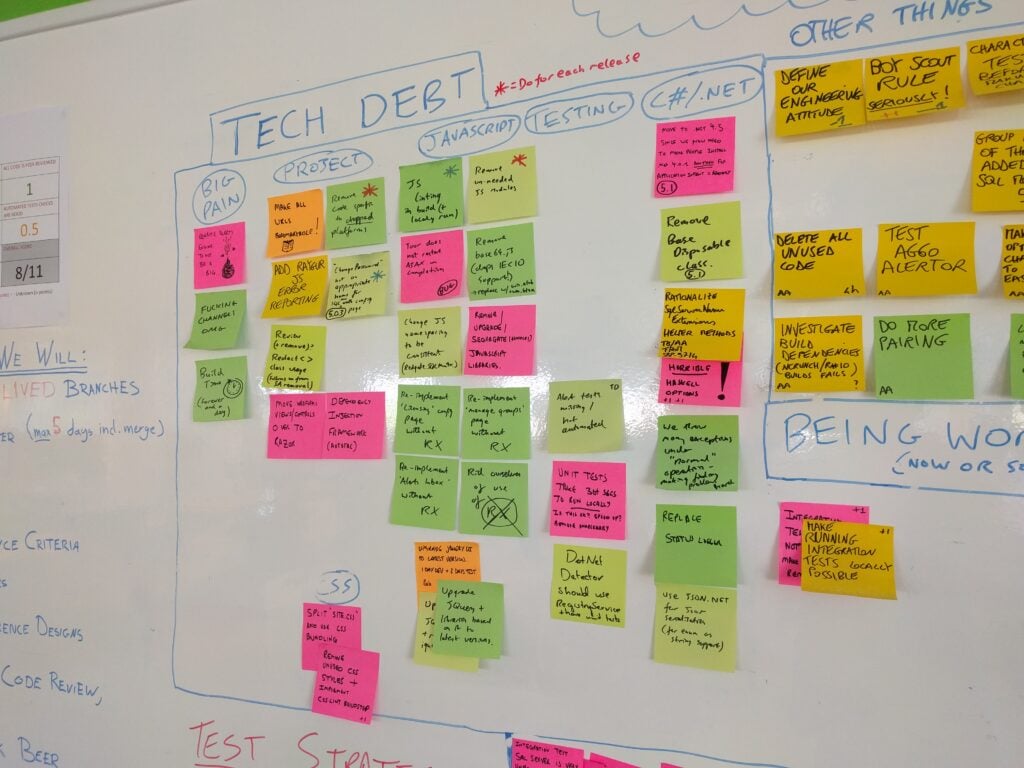
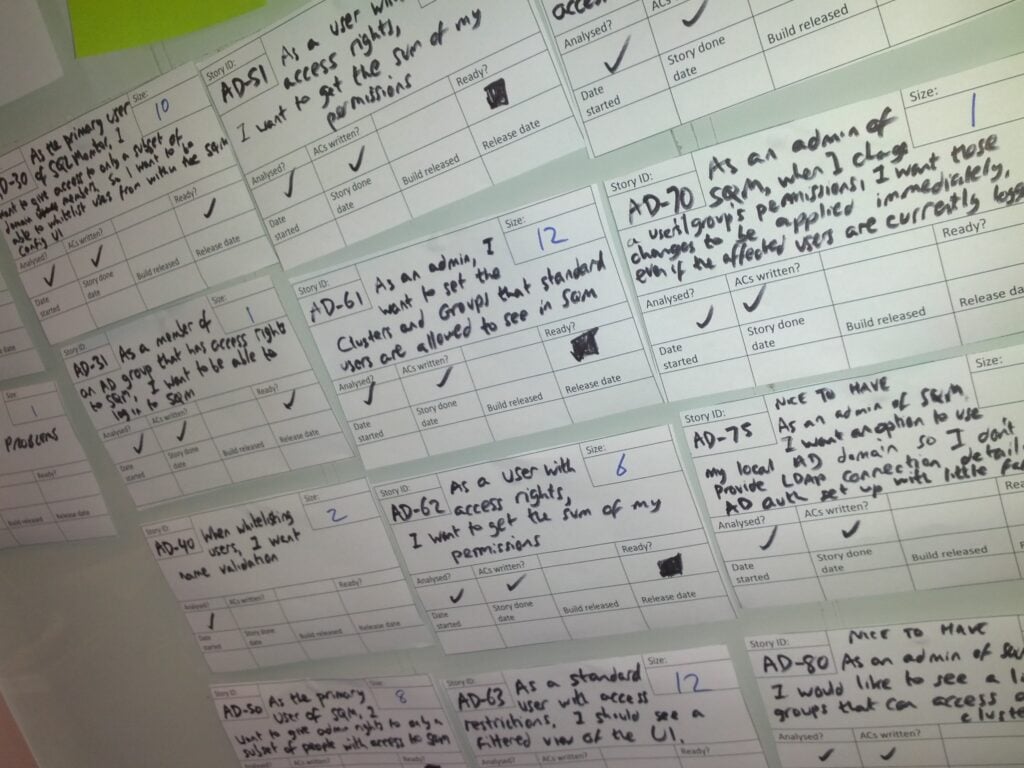
Some people may question the idea of stopping the work to address code quality but the fact is that random pieces of improvement work were being picked up by developers with little planning or sense of what the most important work to do was. Instead, I asked the team to just write down the known technical debt on Post-Its as they were discovered, and stick them to the wall. Together with the actions from the fishbone retrospective, that became a visible reminder of how much debt needed paying back and, in due course, would form a backlog of improvement work to be addressed.
Of course, things never are straight-forward. Just as I was starting to get this running, a critical security vulnerability was found in SQL Monitor 4.1. The plan had to be put on hold while SQL Monitor 4.2 was released, and the fix was also backported to previous versions of SQL Monitor.
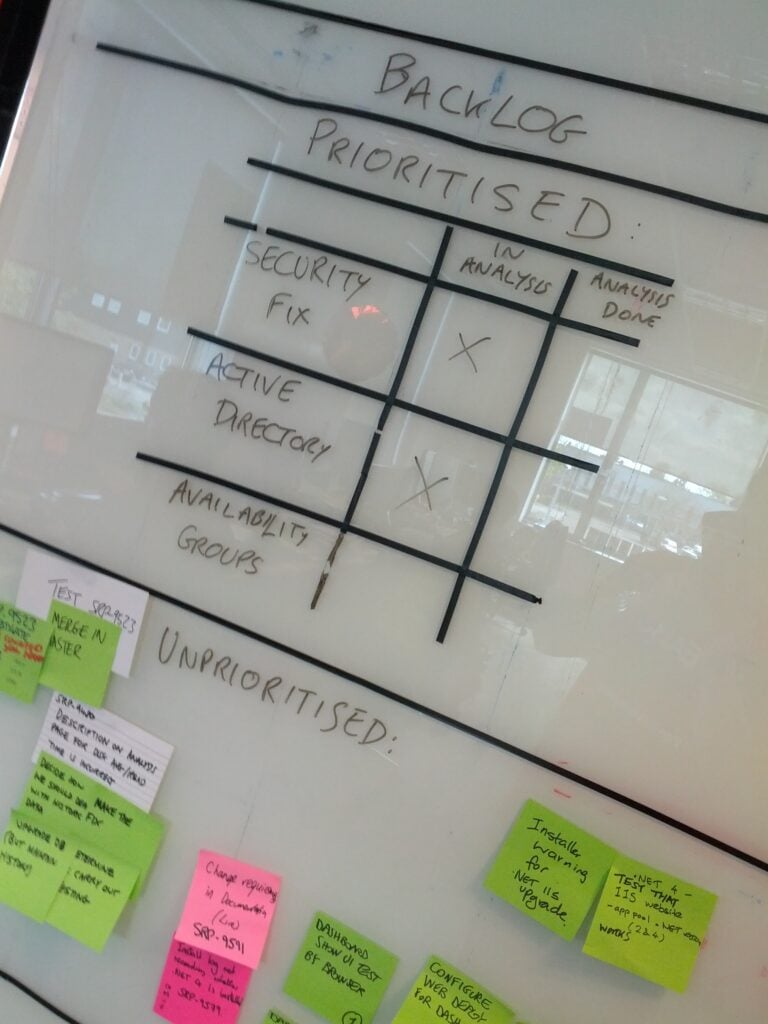
There – my job was done. The team had a road to follow and, a month or so after joining them, I could leave them in the hands of their normal Project Manager to continue the work…
Speeding up
At the end of July, I returned from a holiday to discover that the existing Project Manager had decided that he no longer felt confident in managing the project. It was a very brave decision to make, and meant that I was catapulted back into the SQL Monitor team again – this time as full-time Project Manager.
My job, though, was fairly obvious by now: keeping the team focused on delivering in time for SQL PASS 2015. This mainly consisted in keeping a fairly tight reign on the team’s approach to sprint planning and capacity planning, at least at first. This ensured also that there was no time available for some of the quality improvement work the team wanted to do, a deliberate choice by me to keep the sense of purpose. Over time, we found a way to handle support escalations once again, and I eventually released the brakes I’d artificially applied to guard against scope creep/changes.
We did it – SQL Monitor 5.0 was released just before the tradeshow, on time and without significant amounts of cutting things from the planned scope.
Through the work on version 5.0 we’d deliberately not released frequently: releasing was hard and required extensive manual testing because the automated tests were unreliable or covered the wrong things. Given the length of time since the last major release, and the team’s lack of knowledge, trying to release regularly could have caused too many derailments.
So, having reached SQL PASS 2015 intact, it was time to set the next challenge for the team: work out how to release frequently. For the major release, the testers had done an extensive risk-based analysis on the major areas of the product they’d need to test. They now used that as a first step to working out what minimal testing would be required. Meanwhile, the developers set to work getting rid of those unreliable automated tests, replacing them where possible, and changing our branching strategy so we’d always be in a position to release.
And that backlog of improvements to the code we needed to make? I got buy-in from the stakeholders so that we could keep our promise. We gave the team two months, without pressure to deliver features, to start working their way through the backlog.
By the start of 2016, we could release every sprint and some of the most egregious code problems were gone. The bike had gained its own momentum.
Providing the oil
Naturally, it hasn’t all been completely plain-sailing. The release notes from the start of 2016 show that there were several bugs and regressions that we introduced as we moved to the new model. For the customers who were affected, we’re sorry. But the fact that the SQL Monitor code, while still far from perfect, is improved, better understood by the team and able to be released quickly means that we’re in a much better position to do some great work in 2016 than we were last year.
By now it should be clear what my role in all this was. The team is pretty much unchanged. The way they work is only slightly different. The developers, testers and designers are still the gears, chain and wheels of the bike. Without them, we wouldn’t have a bike at all. My job was one of lubrication: providing the oil and a bit of direction and momentum to ensure they could go on their journey. It was done through adding brakes and stabilisers where necessary to prevent them from going too far off-course in the early days, then empowering the individuals by giving them the time and space to address the problems they wanted to fix and by protecting them from the mud of management that might have interfered with the way they were working.
Postscript
The team’s now working on some really exciting stuff ahead of SQL PASS 2016, including a very impressive new dashboard which is nearing completion.
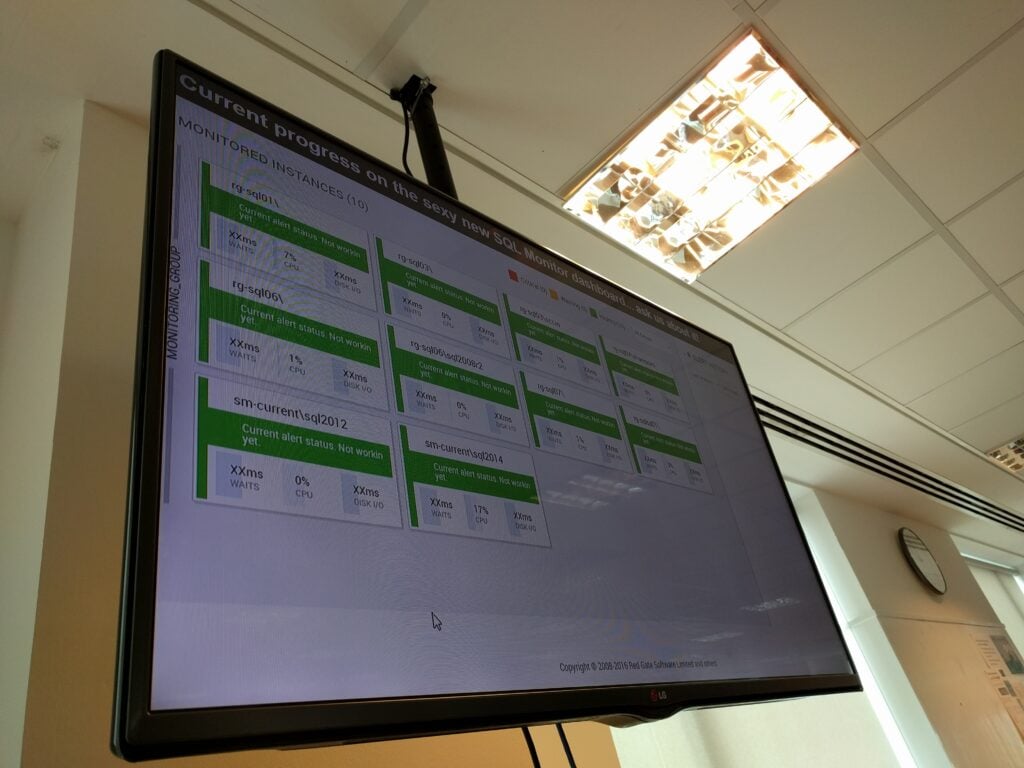
As for myself, my mentor, Simon Cromarty once told me that the aim of any project manager should be to make themselves redundant: You succeed when the team doesn’t need you any more. So, in a rather perverse way, it should be good news that I stand to be made redundant from Redgate in the coming weeks. If you need someone to help oil your bicycle, let me know…